An IPTV Credit Audit is simply a structured check of where every credit in your UK IPTV reseller panel has gone, matched against the subscriber lines, trials and top ups you can actually account for. Most resellers only think about this once their balance drops faster than expected and they can’t work out why. Done properly, an audit takes the guesswork out of that moment. You end up with a clear picture of what your credits are actually being spent on, rather than a vague feeling that something’s wrong.
Why Credit Balances Drift Even Without a Mistake
Credits rarely disappear because someone did something obviously wrong. They drift because small, ordinary actions add up quietly over weeks. A trial line that never gets deleted still counts against your allocation. A renewal processed twice because a customer paid through two channels. A sub-reseller creating lines under permissions you forgot you’d granted them. None of these are dramatic events on their own. Stacked together over a month, they’re the difference between a balance that makes sense and one that doesn’t.
This is exactly why an audit needs to be a deliberate exercise rather than something you do by glancing at the dashboard total. The number on screen tells you what’s left. It doesn’t tell you why.
Running an IPTV Credit Audit Step by Step
Start with a fixed window. Pick a date range, usually the last billing cycle, and pull every transaction that falls inside it: activations, renewals, trial creations, deletions, and any manual credit adjustments made by you or a sub-reseller.
Next, reconcile that transaction list against your actual subscriber count. Every active line should map to a specific, identifiable customer. If you can’t put a name or an order reference against a line, that’s your first flag. It might be an old trial, a test line you forgot to remove, or something that needs a closer look.
Then check timing. Credits deducted at the moment of creation should line up with when you actually issued a line, not with when a customer says they signed up. A gap of a day or two is normal admin lag. A gap of two weeks usually means something was created and sat unused, or was created twice.
Finally, separate trial credits from paid credits if your panel tracks them differently. Trials that convert to paying customers should show a clean handover. Trials that don’t convert should be deleted promptly, since a forgotten trial line still draws on your pool even though nobody’s paying for it.
Pro tip: Run this reconciliation on the same day each billing cycle rather than “whenever you notice a problem.” Consistency is what makes drift visible in the first place.
The Places Credits Usually Go Missing
A handful of patterns account for most discrepancies reported by resellers.
Duplicate activations happen when a customer pays, doesn’t receive confirmation quickly enough, and a second line gets created for the same order. Orphaned trials are lines created for a prospect who never followed up, left active because nobody circled back to delete them. Sub-reseller drift occurs when someone with delegated permissions creates lines faster than they report them back to you. Renewal timing errors happen when a line is renewed slightly early or late relative to its expiry, throwing off the credit-per-day math you might be using to estimate margin. And manual adjustment errors, simple typos when crediting or debiting an account by hand, are more common than most people admit.
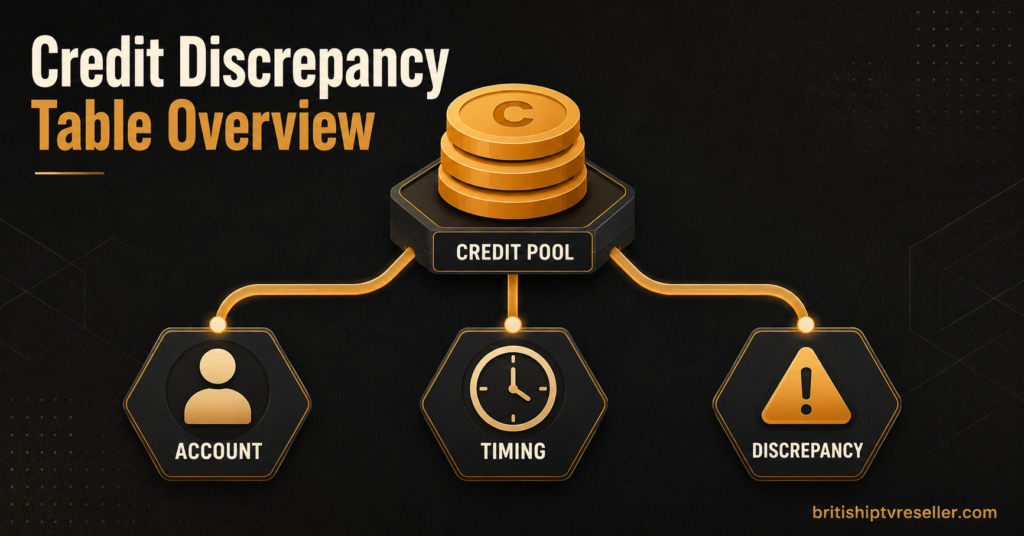
| Discrepancy | Likely cause | Next action |
|---|---|---|
| Balance lower than expected with no matching new customers | Duplicate or unclaimed trial line | Cross check trial log against active subscriber list |
| Credits deducted before customer confirms payment | Line created ahead of payment clearing | Review activation workflow timing |
| Sub-reseller credit usage doesn’t match reported sales | Delegated account creating unreported lines | Audit sub-reseller permissions and activity log |
| Renewal credit cost higher than usual | Early renewal or plan change not logged | Check renewal date against original expiry |
| Manual credit entry looks wrong | Human error during hand adjustment | Recheck entry against original support ticket |
Preventing the Same Discrepancy Next Month
Fixing one month’s numbers doesn’t stop the same pattern repeating. A few habits make the next audit shorter and the numbers more trustworthy in between.
Delete trial lines the moment a prospect goes cold, rather than leaving them “just in case.” Set a fixed trial expiry inside your panel wherever that’s supported, so an unclaimed trial closes itself instead of relying on you remembering. If you work with sub-resellers, agree a simple reporting rhythm, even a short weekly message confirming lines created, so their activity never has to be reconstructed after the fact from raw logs. And keep manual adjustments to a minimum. Every hand-typed credit change is a chance for a slipped digit, and those are the hardest errors to spot later because they don’t follow any pattern.
Pro tip: Keep a simple running log, even a spreadsheet, of every manual adjustment with the date, reason, and who made it. It turns a five-minute investigation into a ten-second lookup.
Some IPTV Panel resellers building this into a proper monthly routine also review their wholesale credit packages at the same time, since audit results often reveal whether you’re buying credits in the right volume for how you actually operate, rather than the volume you assumed you needed when you started.
When the Numbers Still Don’t Add Up
Occasionally an audit turns up a gap you can’t explain through any of the usual causes. At that point, it’s worth going back to basics on how IPTV reselling actually works at the panel level, since misunderstanding how credits are consumed (per line versus per activation, for instance) is a common source of confusion that looks like a discrepancy but isn’t one.
If a genuine unexplained loss remains after checking transaction logs, trial records, sub-reseller activity, and manual entries, raise it with your panel provider directly rather than assuming it’s unrecoverable. Most Iptv providers, including ours, will investigate a documented discrepancy against server-side logs, and it’s worth reviewing the refund policy so you know what’s covered before you raise the ticket.
Reseller Credit Audit Checklist
- Pull all transactions for a fixed billing window, not “recent activity”
- Match every active line to an identifiable customer or order
- Separate trial credits from paid credits
- Check activation timing against actual payment confirmation
- Review sub-reseller activity logs against their reported sales
- Flag and investigate any manual adjustment older than the current cycle
- Delete unclaimed or expired trial lines before the next cycle starts
- Record the audit outcome somewhere you’ll actually check next month

Common Questions About Auditing IPTV Credits
How often should I audit my credit balance?
Once per billing cycle is enough for most UK IPTV Panel resellers. If you manage a high volume of trials or delegate to sub-resellers, a lighter mid-cycle check catches problems before they compound.
Can a panel provider help identify where credits went?
Yes, most providers can pull server-side activation and deletion logs for a given date range, which is useful when your own records don’t fully explain a gap.
Is it normal for credit usage to vary month to month?
Some variation is normal, particularly around seasonal demand or promotional trial pushes. What matters is whether the variation is explainable, not whether it’s identical every month.
Should sub-resellers see the full credit audit?
Only the portion relevant to their own activity. Sharing your entire audit isn’t necessary and can expose pricing or margin information you’d rather keep separate.
What’s the fastest way to spot a duplicate activation?
Sort your transaction log by customer name or order reference and look for two activations within a short window for the same person. This catches most duplicates in under a minute.
Running an IPTV Credit Audit doesn’t need to be complicated, but it does need to be consistent. The resellers who never get caught out by a shrinking balance aren’t the ones with the biggest credit pool, they’re the ones who check the same things, in the same order, every single cycle. Start with a fixed transaction window, reconcile it against real customers, and deal with unclaimed trials before they turn into next month’s mystery. If a discrepancy still won’t resolve after that, take it to your provider with the dates and figures ready rather than guessing at the cause.