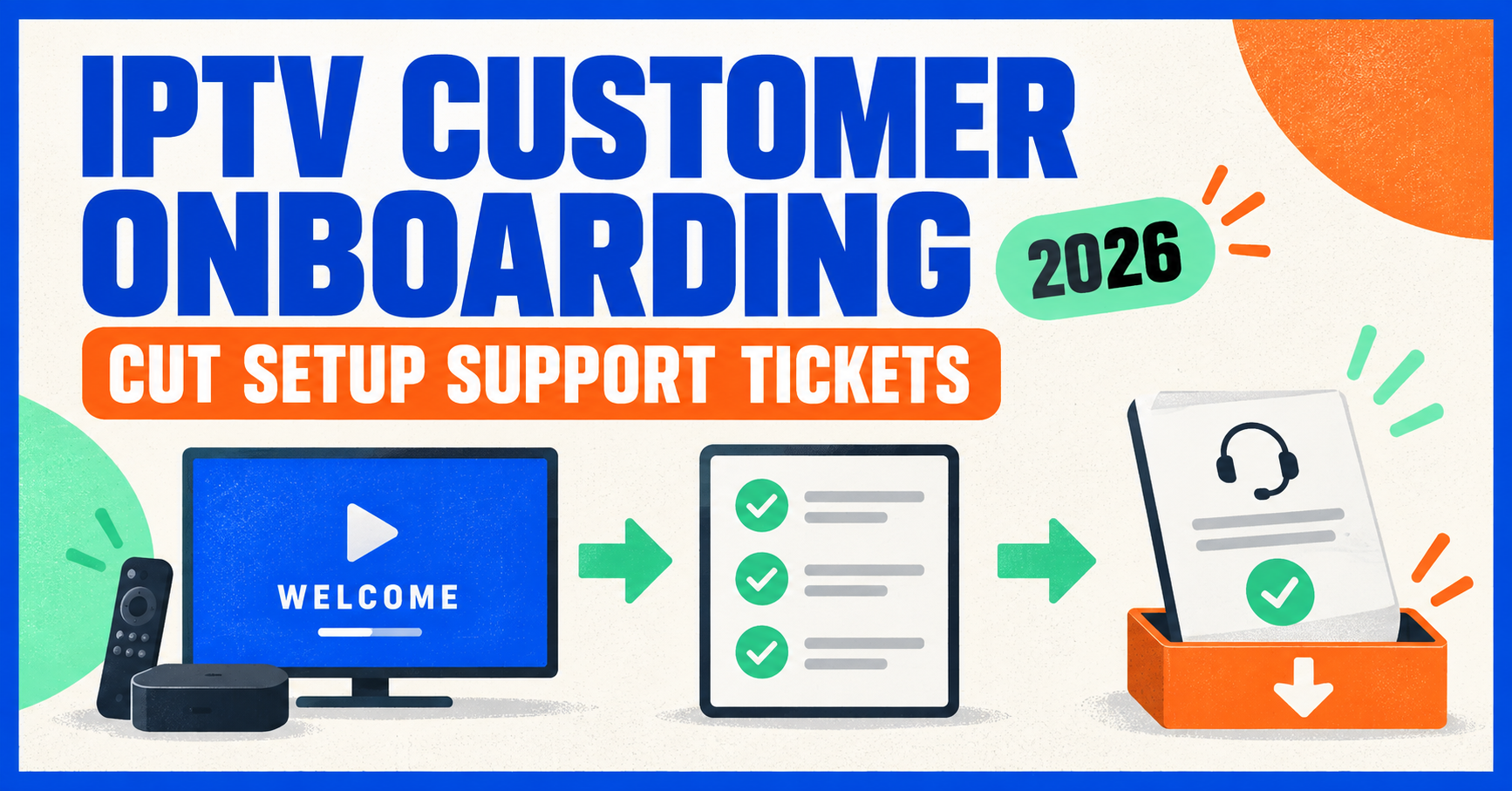
IPTV customer onboarding is the sequence of steps that takes a paying customer from checkout to a working, stable stream on their device, and what happens in that first hour usually decides whether they stay subscribed past month one. Get it wrong and you’ll spend the next fortnight answering the same “it won’t play” messages. Get it right and most customers never contact you again until it’s time to renew. This isn’t complicated technology. It’s a process, and most IPTV reseller never actually design one, they just react to whatever the customer types into WhatsApp.
What IPTV Customer Onboarding Actually Involves
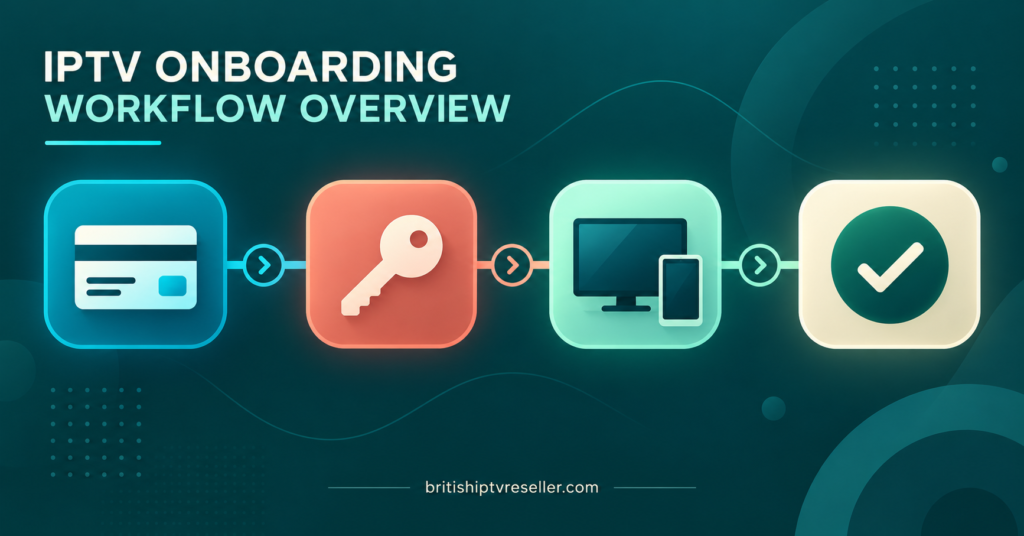
Break it down and there are really only four stages: payment confirmation, credential delivery, player setup, and first-stream verification. Each stage has its own failure points, and each one is entirely within your control as the reseller.
Payment confirmation should trigger credential generation automatically wherever your reseller dashboard allows it. If you’re still manually creating each subscriber line after checking a payment notification by hand, you’ve already added friction and delay that the customer notices immediately. Credential delivery is where a lot of resellers fall down. Sending a username, password, and server URL isn’t onboarding. It’s half the job. The other half is making sure the customer knows what app to install, how to enter those details, and what a working stream should look like once it’s live.
Player setup is the stage where most support tickets originate, not because the service is unreliable but because IPTV players vary wildly in how they ask for information. Some want a single M3U URL. Others want separate host, username, and password fields through Xtream Codes. A customer who’s never used either will get stuck within the first two minutes if you haven’t told them which one applies to their device.
First-stream verification is the step almost nobody does properly. That’s simply confirming, before you consider the account “onboarded,” that the customer has actually watched something. A credential set that’s never been tested isn’t a completed onboarding, it’s an unresolved one waiting to surface as a complaint three days later.
Before the Customer Even Logs In
Good onboarding starts before the subscriber does anything at all. If you’re running IPTV reseller panel infrastructure with any scale, the preparation happens on your side of the dashboard, not theirs.
That means having device-specific setup instructions ready to send instantly rather than typed out fresh for every customer. It means knowing in advance which player you’ll recommend for Firestick versus Android TV versus an older Samsung smart TV, because a single generic instruction sheet won’t cover all three cleanly. It also means your credit balance and subscriber line capacity are checked ahead of any promotional push, so you’re never creating a new customer’s account against an empty panel.
Pro tip: Keep three separate instruction templates ready, one for Android-based devices, one for Apple devices, and one for MAG or Enigma2 boxes. Sending the wrong template is one of the most common causes of a first-day support ticket.
The First Ten Minutes Decide Everything
Most churn from a new subscriber doesn’t come weeks later. It comes in the first ten minutes, when the app either connects or it doesn’t. A customer who hits a buffering wheel or an “invalid credentials” error on their first attempt forms an opinion about your service before they’ve watched a single minute of actual content.
This is why the delivery message matters as much as the credentials themselves. A message that says “here’s your login, enjoy” leaves too much room for confusion. A message that walks through exactly which app to download, exactly what to type into which field, and what to check if nothing loads within thirty seconds turns a potentially confused customer into a satisfied one without you lifting another finger.
| Onboarding stage | What typically goes wrong | Reseller’s job |
|---|---|---|
| Credential delivery | Wrong player instructions sent | Match instructions to the customer’s stated device |
| First app install | Customer picks an incompatible or outdated app | Recommend one specific, tested player per platform |
| First playback attempt | Buffering mistaken for a broken account | Explain what normal loading looks like before it happens |
| Ongoing use | No follow-up, customer assumes they’re forgotten | Send a short check-in message within 48 hours |
Common Onboarding Mistakes That Create Support Tickets
A surprising number of onboarding problems have nothing to do with the underlying IPTV setup and everything to do with communication gaps. Sending credentials without confirming the customer’s device type is one of the most frequent. So is assuming a customer understands the difference between an app crashing and a stream buffering, when to most people both just look like “it’s broken.”
Another common mistake is treating onboarding as finished the moment credentials are sent, rather than the moment playback is confirmed. If your process ends at delivery, you’ll only find out about a failed onboarding when the customer is frustrated enough to complain, rather than catching it while a quick fix is still easy.
Batching new activations without spacing them out during a promotional surge causes a different kind of problem. If ten new subscribers all need help configuring TiviMate at the same time, and your support setup wasn’t ready for the volume, response times slip and the onboarding experience suffers for everyone, not just the customers who ran into a genuine technical issue.
Pro tip: Ask new customers to send a screenshot of their first successful stream. It confirms the account works, gives you a record if a dispute comes up later, and takes less time than a back-and-forth troubleshooting conversation.
Verifying a Successful Onboarding
Verification doesn’t need to be complicated, but it does need to happen deliberately rather than by accident. A useful minimum bar is confirming three things: the account logged in successfully, a channel played without immediate error, and the customer knows how to reach support if something changes later.
If you’re managing this across a growing subscriber base, a simple tracking sheet noting activation date, device type, and confirmation status is enough to catch accounts that were never actually verified. It’s a small habit that prevents a much larger pile-up of “silent” unresolved onboardings that eventually turn into refund requests.
Building a Repeatable Onboarding Process
Once you’re onboarding more than a handful of customers a week, doing it manually every time stops being sustainable. This is where having a proper IPTV Panel reseller dashboard earns its keep. Automated credential generation on payment confirmation removes the delay between purchase and access. Saved message templates remove the inconsistency between one onboarding and the next. And a basic escalation path, so a customer who’s still stuck after the standard instructions gets handed to someone who can actually diagnose the issue, stops simple onboarding problems from turning into cancellation requests.
None of this requires custom software. It requires deciding on a process once and then actually following it every time, rather than improvising a slightly different version for each new subscriber.
Reseller Checklist for New Subscriber Onboarding
- Confirm payment before generating credentials, never after sending them
- Match setup instructions to the customer’s actual device, not a generic default
- Send one recommended player per platform rather than a list of options
- Include what normal buffering looks like so it isn’t mistaken for a fault
- Ask for confirmation, or a screenshot, that the first stream played successfully
- Log activation date and device type somewhere you can review later
- Send a short check-in message within 48 hours of activation
- Have an escalation step ready for customers who are still stuck after standard instructions
Frequently Asked Questions
How long should IPTV customer onboarding take from payment to first stream?
Most resellers can get a customer from confirmed payment to a working first stream within ten to fifteen minutes, provided credentials generate automatically and the customer receives device-specific instructions rather than a generic set.
What’s the biggest cause of failed onboarding on Firestick devices?
Sending Xtream Codes login fields when the customer’s chosen app expects a single M3U URL, or the reverse. Confirming which player the customer intends to use before sending instructions avoids most of these mismatches.
Should I onboard customers manually or automate the process?
Manual onboarding works fine at low volume, but past a few subscribers a week, automated credential delivery paired with saved instruction templates reduces both delay and inconsistency significantly.
Is a follow-up message really necessary after onboarding?
It catches problems the customer didn’t think were worth reporting, such as one channel category not loading, before they build up into a cancellation. A short message within 48 hours is usually enough.
Do all devices need different onboarding instructions?
Not entirely different, but device-specific enough to matter. Android-based devices, Apple devices, and MAG or Enigma2 boxes each handle player configuration differently, so a single generic instruction sheet tends to under-serve at least one group.
IPTV customer onboarding isn’t a single email with a username and password attached to it. It’s a short, repeatable process covering preparation, delivery, first-stream verification, and a follow-up check, and every stage that gets skipped tends to resurface later as a support ticket or a refund request. Resellers who treat onboarding as a designed process rather than an improvised reaction to each new signup consistently see fewer first-week complaints and better subscriber retention. If your current process ends the moment credentials are sent, that’s the first gap worth closing, and a reliable IPTV reseller panel with automated activation makes the rest of it far easier to keep consistent as your customer base grows.