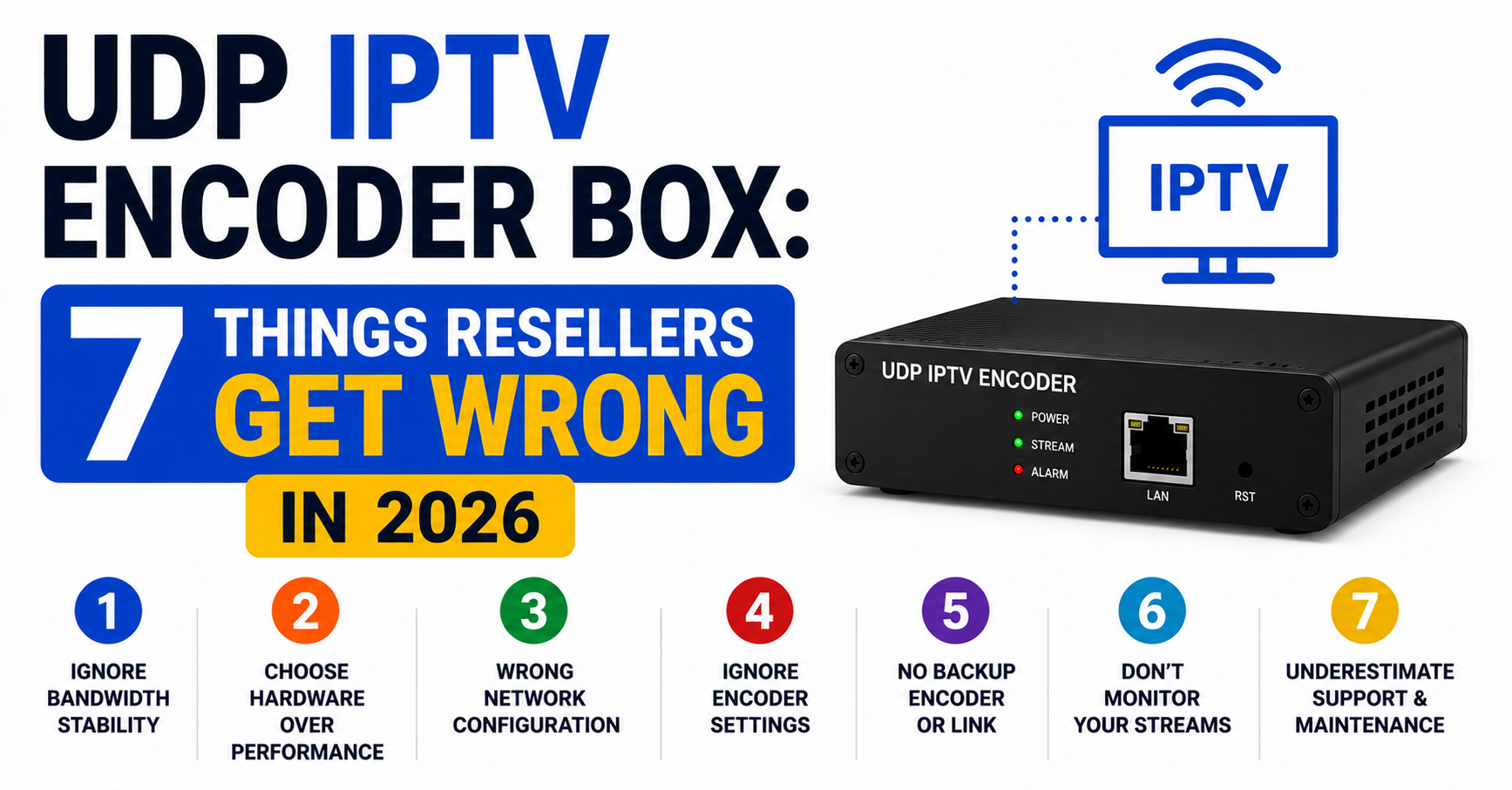
Most resellers never touch the encoding layer. They buy credits, push subscriptions, and pray the streams hold up during a Saturday night football rush. But behind every stable panel, every buffer-free channel switch, and every subscriber who actually renews next month, there is hardware doing the unglamorous work of turning raw broadcast signals into streamable packets. That hardware is the UDP IPTV encoder box. And if you do not understand what it does, how it fails, and why the cheap ones will gut your business from the inside, you are gambling with infrastructure you cannot see.
This is not a product review. This is a breakdown of how UDP IPTV encoder boxes shape the entire delivery chain from signal capture to subscriber screen, and what operators at every level need to know heading into 2026.
What a UDP IPTV Encoder Box Actually Does Behind Your Panel
Strip away the marketing language and a UDP IPTV encoder box performs one essential function: it takes a video input, satellite feed, HDMI source, SDI signal, and converts it into a UDP multicast or unicast stream. That stream becomes the raw material your middleware, playlist system, or Xtream Codes panel packages and delivers to end users.
The encoder compresses video using codecs like H.264 or H.265, wraps it in MPEG-TS containers, and pushes it out over your local network or to a remote server via UDP protocol. Unlike TCP, UDP does not wait for acknowledgment packets. It fires and forgets. That is what makes it fast. That is also what makes it dangerous if your encoder is underpowered or misconfigured.
Pro Tip: If your UDP IPTV encoder box cannot maintain a consistent bitrate under sustained load, every downstream server inherits that instability. Fixing buffering at the CDN level is pointless if the source encode is already dropping frames.
Why UDP and Not TCP at the Encoding Stage
British IPTV resellers who have never operated at the infrastructure level often ask why UDP is the standard for encoding rather than TCP. The answer is latency. TCP’s handshake-and-confirm model adds delay at every hop. For live streams, especially premium sports content where a three-second lag is unacceptable, UDP eliminates that overhead entirely.
But there is a trade-off. UDP does not guarantee packet delivery. If a frame drops between the encoder and the first relay server, it is gone. No retry. No recovery. This is why the quality of your UDP IPTV encoder box matters more than almost any other piece in the chain. A weak encoder produces a weak stream, and no amount of panel-side configuration can compensate.
UDP delivers lower latency for live content. TCP offers reliability but adds unacceptable delay for real-time video. Encoder-side packet loss cascades through every relay and edge server. And HLS latency issues often trace back to poor UDP source encoding.
The Hardware Spectrum: What Separates a £200 Box from a £2,000 Unit
Not every UDP IPTV encoder box is built for the same workload. The market ranges from compact single-channel HDMI encoders aimed at small operations to rack-mounted multi-input units designed for headend environments processing dozens of channels simultaneously.
The cheap units, typically single-input H.264 boxes from unbranded manufacturers, work fine for testing or encoding one or two channels. But the moment you scale beyond a handful of streams, you hit thermal throttling, bitrate inconsistency, and firmware instability that will have your subscribers flooding your WhatsApp with buffering complaints.
The table below lays out what actually separates the two tiers:
| Factor | Budget encoder (under £300) | Professional encoder (£1,000+) |
|---|---|---|
| Input count | 1–4 HDMI | 8–24 HDMI/SDI |
| Codec support | H.264 only | H.264 + H.265 (HEVC) |
| Bitrate stability | Fluctuates under load | Locked CBR/VBR profiles |
| Thermal management | Passive or single fan | Active cooling, rack-ready |
| Firmware updates | Rare or abandoned | Regular, vendor-supported |
| Multicast support | Basic or absent | Full IGMPv2/v3 |
| Remote management | Web GUI only | SNMP + API + Web |
If you are running a reseller panel with more than fifty active subscribers, the encoder feeding your streams is not a place to cut costs.
Bitrate, Resolution, and the Codec Decision That Shapes Your Margins
Every UDP IPTV encoder box forces you into a codec decision that directly affects your bandwidth costs and stream quality. H.264 remains the safe universal choice, nearly every device on earth can decode it. But it is bandwidth-hungry. A single 1080p channel encoded in H.264 at acceptable quality demands roughly 5 to 8 Mbps.
H.265 (HEVC) cuts that requirement nearly in half for equivalent visual quality. The catch is decoder compatibility. Older MAG boxes, some budget Android devices, and certain legacy middleware setups choke on HEVC streams. If your subscriber base skews toward newer hardware, Formuler, Firestick 4K, Shield, then H.265 encoding from your UDP IPTV encoder box will save you serious bandwidth and server costs at scale.
Pro Tip: Run a dual-profile encode if your encoder supports it. Push an H.265 stream for compatible devices and an H.264 fallback for legacy hardware. Your bandwidth bill rises, but subscriber churn from playback failures drops harder.
Multicast vs Unicast: Choosing the Right Output Mode
Your UDP IPTV encoder box will typically offer both multicast and unicast output modes. The distinction matters enormously depending on your network topology and subscriber count.
Multicast sends one stream that multiple receivers on the same network can pick up simultaneously. It is efficient within a controlled LAN or a managed VLAN, but it does not traverse the public internet without IGMP-aware routing and multicast-enabled switches at every hop. Most UK IPTV reseller operations distributing streams globally cannot rely on multicast beyond the headend.
Unicast sends a separate copy of the stream to each requesting client. It scales predictably but multiplies bandwidth consumption linearly. Ten subscribers watching the same channel means ten identical streams leaving your server.
Use multicast within your encoding facility to feed multiple transcoding or relay servers from a single UDP IPTV encoder box output. Switch to unicast (or HLS/DASH segmentation) at the edge for public-facing delivery. And be aware that misconfiguring multicast on a network that does not support IGMP snooping will flood every port on your switch and crash unrelated services.
DNS Poisoning, ISP Blocking, and Why Encoder-Level Choices Matter in 2026
The enforcement landscape in 2026 has shifted from reactive takedowns to proactive AI-driven detection. Major broadband providers now deploy deep packet inspection systems trained to identify IPTV traffic patterns, including UDP multicast signatures leaving residential or small-business IP ranges.
This means your UDP IPTV encoder box setup has security implications beyond just stream quality. Unencrypted UDP streams travelling across the open internet are trivially identifiable by DPI systems. ISPs using DNS poisoning and SNI filtering can intercept and block traffic before it ever reaches your relay infrastructure.
Operators who understand this are already adapting at the encoder output stage by wrapping UDP output in encrypted tunnels before it leaves the encoding facility, using DNS-over-HTTPS on all infrastructure-facing servers, avoiding static IP patterns that trigger automated ISP flagging, and rotating uplink paths through geographically diverse exit nodes.
Pro Tip: Your UDP IPTV encoder box itself does not encrypt traffic. That responsibility falls on the transport layer between your encoder and your first relay server. If that link is naked UDP over a standard ISP connection, you are one automated scan away from a service disruption.
Load Handling: Why Most Encoder Setups Collapse on Match Nights
Every operator has a war story about the night everything fell apart. A major match kicks off, subscriber counts spike by 40 percent in ten minutes, and suddenly channels are freezing, audio is desyncing, and the support queue is on fire.
The root cause is often not the CDN. It is not the panel. It is the UDP IPTV encoder box hitting a processing ceiling it was never designed to handle. Consumer-grade encoders thermal-throttle under sustained high-bitrate loads. Their internal buffers overflow. The output stream develops micro-stutters that propagate through every downstream server.
Professional-grade encoder hardware handles this through dedicated ASIC or FPGA-based encoding pipelines rather than general-purpose CPUs. The encoding process is offloaded to purpose-built silicon that maintains consistent output regardless of load duration.
Monitor encoder CPU and temperature metrics during peak events. Set bitrate ceilings per channel that your hardware can sustain for a minimum of four continuous hours. Deploy redundant encoder units in active-passive pairs so a failing box can be swapped without stream interruption. And never run an encoder above 75 percent sustained CPU utilisation, headroom is not optional.
Backup Uplink Servers and Encoder Redundancy Planning
A single UDP IPTV encoder box feeding your entire channel lineup is a single point of failure. And single points of failure do not survive in this industry.
Serious operators run at minimum a primary and secondary encoder for every critical channel group. The backup unit mirrors the primary configuration and sits idle until a failover trigger, packet loss threshold, CPU spike, or manual switch, activates it. Automated failover using simple scripting against the encoder’s API or SNMP traps reduces switchover time from minutes to seconds.
Backup uplink servers add another redundancy layer. If your primary data path between encoder and relay infrastructure goes down, ISP outage, routing issue, or deliberate blocking, a secondary uplink through a different provider or geographic path keeps streams alive.
Pro Tip: Test your failover path monthly under simulated load conditions. A backup encoder that has been sitting unpowered for six months will often fail to boot cleanly when you need it most. Firmware drift between primary and backup units is a silent killer.
Panel Credits, Encoding Costs, and the Margin Squeeze Resellers Ignore
Resellers obsess over credit pricing and subscription margins but rarely account for the encoding layer in their cost modelling. If you control your own UDP IPTV encoder box infrastructure, or if your upstream provider does, the encoding cost per channel directly impacts the wholesale price of every credit you purchase.
A single professional encoder running sixteen channels consumes meaningful electricity, requires cooling, occupies rack space, and demands maintenance. Multiply that across a full channel lineup of several hundred streams and the encoding layer becomes one of the largest fixed costs in the operation.
Understanding this gives resellers negotiating leverage. When your panel provider claims costs are rising, ask whether they have upgraded their encoder fleet. If they are still running five-year-old H.264-only hardware, their bandwidth costs are inflated by inefficient encoding, and you are paying for that inefficiency in your credit price.
Encoding cost per channel drops significantly with H.265 due to lower bandwidth requirements. Shared encoder infrastructure across multiple reseller panels distributes fixed costs. Panel providers using cloud-based software encoding pay more per channel than those with hardware UDP IPTV encoder box deployments. And vague answers about their encoding stack usually mean outdated hardware.
Firmware, Remote Management, and the Maintenance Nobody Does
Every UDP IPTV encoder box ships with firmware that will eventually need updating. Security patches, codec optimisation, stability fixes, firmware updates are not optional, they are operational hygiene.
Yet the majority of small and mid-tier operators never update their encoder firmware after initial setup. The box works, streams flow, and nobody wants to risk downtime for an update. Then six months later, a known vulnerability gets exploited, or a codec bug causes progressive audio drift that subscribers notice before you do.
Remote management capability separates professional encoder hardware from consumer-grade boxes. SNMP monitoring lets you pull real-time metrics, bitrate, CPU load, temperature, uptime, into your existing monitoring dashboard. API access enables automated alerting and scripted failover. A web-only GUI with no remote management hooks means you are flying blind outside of manual checks.
Schedule firmware updates during lowest-traffic windows, typically weekday mornings. Maintain a firmware changelog and test updates on a non-production encoder before rolling out to live units. Enable SNMP traps for critical thresholds: CPU above 80 percent, temperature above 65°C, output bitrate deviation beyond 10 percent. And if your vendor has not released a firmware update in over twelve months, start evaluating replacements.
Frequently Asked Questions
What is a UDP IPTV encoder box used for in a reseller operation?
A UDP IPTV encoder box converts raw video inputs like satellite or HDMI feeds into compressed digital streams using UDP protocol. These streams feed into middleware or panel systems such as Xtream Codes, which then distribute channels to end subscribers. It is the foundational hardware that determines source stream quality before any CDN or panel layer touches the content.
Does the codec choice on my encoder affect subscriber buffering?
Yes, directly. An encoder pushing H.264 at high resolution consumes roughly double the bandwidth of H.265 for similar quality. If your server infrastructure or subscriber internet connections cannot handle the higher bitrate, buffering increases. Choosing H.265 on your UDP IPTV encoder box reduces bandwidth pressure across your entire delivery chain.
Can I use a budget encoder box for a small reseller panel?
For panels with fewer than twenty active subscribers and a limited channel count, a budget single-input encoder can function adequately. However, thermal throttling and bitrate instability under sustained load make cheap hardware unreliable for anything beyond small-scale testing or a handful of channels.
How does ISP deep packet inspection affect UDP encoder traffic?
DPI systems in 2026 can identify unencrypted UDP multicast traffic patterns associated with IPTV distribution. If your encoder output travels across the public internet without encryption or tunnelling, ISPs can flag, throttle, or block the traffic. Encoding hardware itself does not encrypt, that must be handled at the transport layer.
What is the difference between multicast and unicast output on an encoder?
Multicast sends a single stream that multiple LAN receivers can access simultaneously, making it efficient within controlled networks. Unicast sends a separate stream copy to each client, which scales bandwidth linearly. Most reseller operations use multicast internally at the headend and convert to unicast or HLS for public-facing delivery.
How often should I update the firmware on my UDP IPTV encoder box?
Check for updates quarterly at minimum. Apply security patches immediately when released. Always test updates on a non-production unit first. Vendors that have not released any update in over a year may have abandoned the product line, which is a signal to plan hardware replacement.
Do I need a backup encoder for my channel lineup?
If your operation serves more than a trivial number of subscribers, yes. A single encoder failure without redundancy means complete channel loss until hardware is replaced or repaired. Running active-passive encoder pairs with automated failover scripting is standard practice for any operation prioritising uptime.
How does encoder quality affect my reseller credit pricing?
Encoder infrastructure is a significant fixed cost. Providers using outdated H.264-only hardware pay more in bandwidth per channel, and that cost flows into credit pricing. Efficient H.265 encoding on modern UDP IPTV encoder box hardware reduces per-channel bandwidth costs, which should translate to more competitive wholesale credit rates.
Your UDP IPTV Encoder Box Action Checklist
- Audit your current encoding hardware, document model, firmware version, input count, and codec capability for every unit in your chain
- Run a sustained four-hour load test during a simulated peak event and monitor CPU temperature, bitrate stability, and output packet loss
- If any encoder is running H.264 only, cost-model the bandwidth savings of migrating to H.265 and compare against hardware upgrade pricing
- Implement active-passive redundancy for every encoder serving more than ten channels, script automated failover using SNMP or API triggers
- Encrypt all UDP streams leaving your encoding facility before they touch the public internet, naked UDP is detectable and blockable by modern DPI
- Set up SNMP monitoring dashboards pulling real-time metrics from every encoder, do not rely on manual web GUI checks
- Schedule quarterly firmware reviews and test every update on a non-production unit before deploying to live hardware
- Negotiate with your panel provider using encoding infrastructure knowledge, visit britishreseller.com for operator-tested UK IPTV Reseller panel options that prioritise encoding quality and uplink redundancy
- Document your full encoding topology including IP assignments, multicast group ranges, failover triggers, and uplink paths, if it is not documented, it does not survive a staff change or emergency
- Re-evaluate your entire encoder fleet annually, hardware older than three years without firmware support is a liability, not an asset