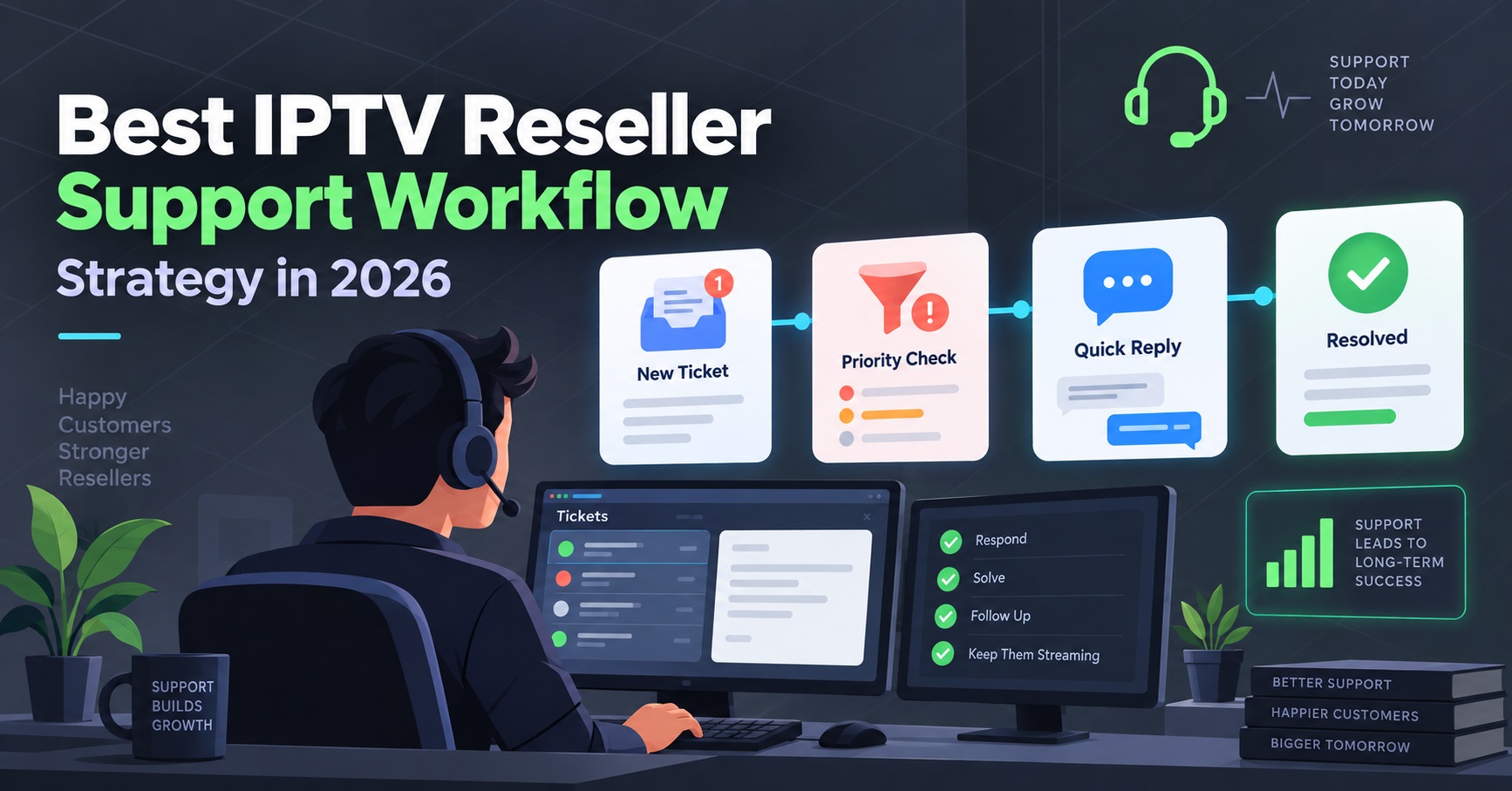
A working IPTV Reseller Support Workflow sorts every incoming ticket into one of six categories within seconds, assigns it a response-time target, and only escalates upward when the fault genuinely sits outside your control. Most IPTV Panel resellers lose subscribers not because streams fail, but because nobody in the business can say how long a fix should take or who owns it once it stops being a five-minute question.
IPTV Reseller Support Workflow: The Six-Category Triage Map
Post-sale support only works if every ticket gets sorted before anyone starts troubleshooting. Trying to diagnose a message that just says “it’s not working” wastes the first five minutes of every interaction. A functioning triage map assigns each incoming message to one of six buckets the moment it arrives: login, device, EPG, buffering, account, or escalation. Everything downstream, response targets, who handles it, what questions get asked, follows from that first sort.
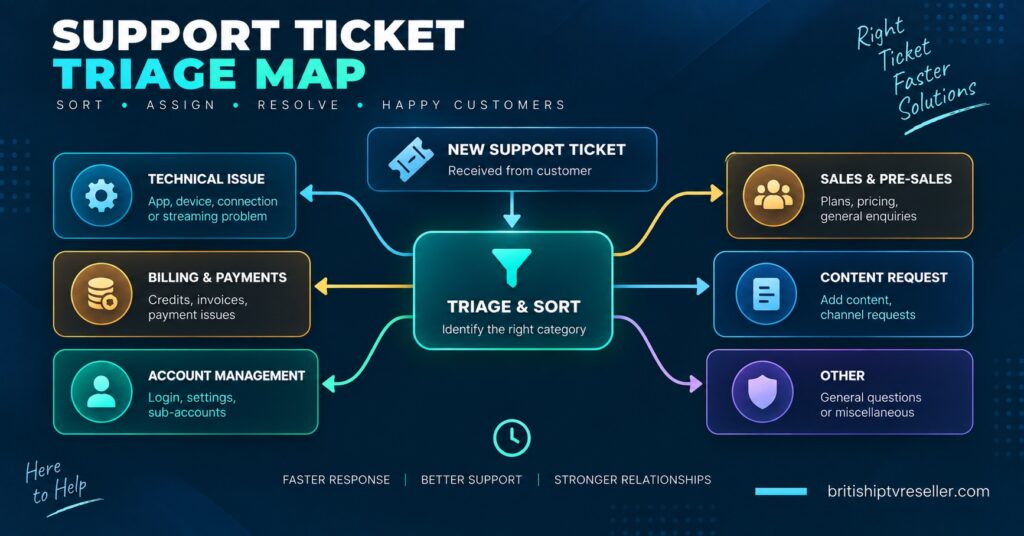
This differs from onboarding support, which is about getting a new subscriber’s first stream working. Post-sale triage assumes the account already worked once and something has since changed, broken, or degraded. That distinction matters because the diagnostic questions are different. Onboarding asks “did you set this up correctly.” Post-sale asks “what changed since it last worked.”
Login and credential issues
These tickets usually mean one of three things: the password was mistyped, the line has hit its connection limit, or the account has expired or been suspended for non-payment. Ask the subscriber to confirm the exact error message rather than a vague description, “invalid credentials” and “max connections reached” point to completely different fixes. A credential reset takes under a minute on most panels. A connection-limit issue means checking whether a household is running more simultaneous streams than their plan allows, which is a billing conversation, not a technical one.
Device and app problems
Device tickets are the most time-consuming category because the fault could sit in the app, the hardware, the network, or the operating system update the subscriber didn’t mention. Start by isolating the variable: does the same account work on a second device? If yes, the panel and credentials are fine and the problem is local to that one box. If no, move it into the login or account category instead. Firestick and Android box issues often trace back to app cache corruption or an outdated player version rather than anything on the panel side.
EPG and guide data
Electronic programme guide failures are easy to underestimate because the stream itself keeps playing. Subscribers experience a blank or stale guide as a quality failure even when nothing is actually wrong with playback, and EPG complaints frequently show up just before a subscriber quietly stops renewing. EPG failures often precede cancellations even when streams work fine, which is why this category deserves its own queue rather than being folded into general buffering complaints. Common causes include a missed daylight saving time adjustment, a stale channel ID mapping after a lineup change, or a guide refresh interval set too aggressively and getting rate-limited by the source.
Buffering and stream quality
Buffering tickets need one clarifying question before anything else: is it happening on one channel, one device, or across the whole account? A single channel buffering for everyone points to a source-side issue you need to raise with your panel provider. One device buffering while others on the same account run fine points to local network congestion, Wi-Fi signal strength, or a low-tier broadband package struggling during peak hours. Whole-account buffering that started suddenly, particularly during a high-demand window, is the strongest signal that the fault sits upstream of you entirely.
Account and billing questions
Renewal dates, line upgrades, refund requests, and payment failures fall here. These rarely require technical troubleshooting but do require clear ownership, a subscriber asking about a renewal should never get bounced to a technical queue and back. Refund and renewal terms should match what’s published on your policy page, so keep that document current and reference it directly rather than improvising an answer each time.
Escalation
This isn’t a subscriber-facing category, it’s where a ticket lands after your first-line check confirms the fault is outside your control. That includes server-side outages, panel bugs, and provider infrastructure problems. Escalating too early wastes your provider’s time on issues you could have resolved yourself. Escalating too late leaves subscribers waiting on a fix nobody’s actually working on.
Response-Time Targets
Setting a target for every category, and holding to it, is what separates a professional operation from ad hoc WhatsApp replies. These numbers assume a small to mid-sized UK IPTV reseller operation; adjust upward slightly if you’re running this solo.
| Ticket category | First response target | Resolution target |
|---|---|---|
| Login and credentials | Under 15 minutes | Under 30 minutes |
| Device and app | Under 30 minutes | Same day |
| EPG and guide data | Under 1 hour | Within 24 hours |
| Buffering, single device | Under 30 minutes | Same day |
| Buffering, account-wide | Under 15 minutes | Escalate immediately if confirmed upstream |
| Account and billing | Under 1 hour | Within 24 hours |
Pro tip: Publish these targets somewhere subscribers can see them, even informally in your onboarding message. A stated 30-minute target that you hit consistently builds more trust than an unstated response time that happens to be fast.
Escalation Paths
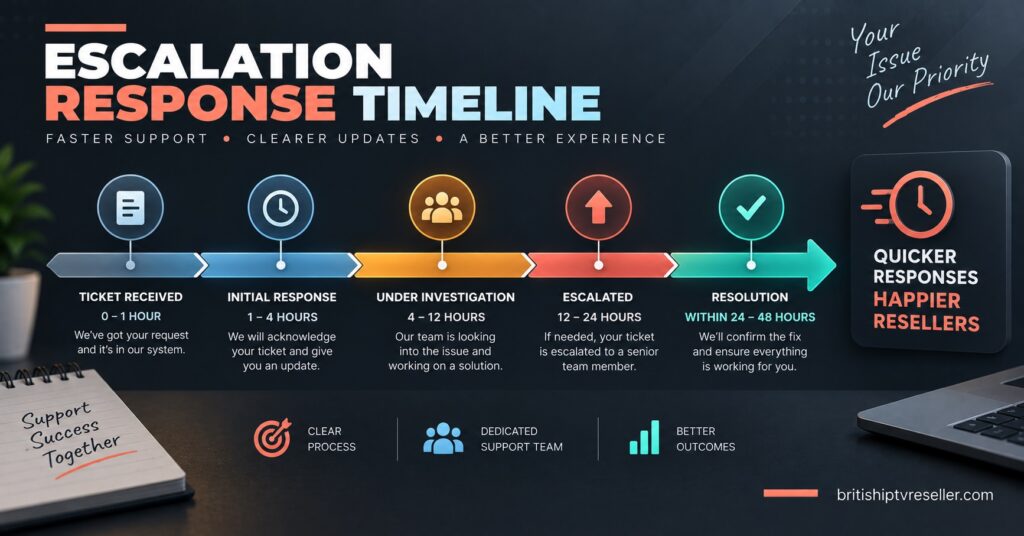
Not every unresolved ticket should go straight to your provider. A clear escalation path stops your support inbox turning into a bottleneck and keeps your provider relationship from being burned on issues you could have fixed with a five-minute check.
| Escalation trigger | Route to |
|---|---|
| One subscriber, one device, isolated fault | Handle internally, no escalation |
| Multiple subscribers, same channel or category | Escalate to provider with channel names and timestamps |
| Whole panel affected, all lines | Escalate immediately as a priority outage |
| Billing discrepancy against advertised pricing | Handle internally against your refund policy |
| Repeated EPG failures across the panel | Escalate with specific date and time logs |
Pro tip: Never escalate a single unverified complaint as an outage. Confirm it against at least one other subscriber or your own test line first, false escalations erode how quickly a provider responds to real ones.
Building the workflow into your daily operation
A triage system only holds up if it’s written down somewhere your support person can reference without asking you. A single shared document with the six categories, the response targets, and the escalation triggers is enough for most small operations, you don’t need dedicated helpdesk software to start. A structured ticket system that tracks every issue from open to close also gives you a record when a subscriber disputes how long something took, and it lets you spot patterns, three buffering complaints on the same channel in one evening is a different problem than three unrelated one-off issues.
Device diagnosis benefits from the same discipline. Confirming whether the issue is device-specific or panel-wide before troubleshooting further saves time on almost every ticket that starts as a vague “not working” message.
Pro tip: Tag closed tickets by category weekly. If device tickets are climbing month over month, it usually means one specific device or app version is generating disproportionate support load, worth flagging in your setup guidance before it becomes a pattern.
Common triage mistakes
Treating every ticket as urgent burns out whoever’s answering messages and trains subscribers to expect instant fixes for things that genuinely need 24 hours. Skipping the isolation question on buffering tickets, one device versus the whole account, means wasting time troubleshooting a Wi-Fi problem as if it were a server issue. And routing billing questions through the same queue as technical faults slows both down, because the person best placed to answer a refund question isn’t always the person checking connection limits.
Support Ticket Triage FAQ
How many people do I need to run a support workflow like this?
One person can run all six categories for a smaller subscriber base if the categories and targets are written down clearly. The workflow matters more than headcount, a solo reseller following a defined triage map will outperform a two-person team improvising each ticket individually.
Should sub-resellers use the same escalation path as the main reseller account?
Sub-resellers should escalate to their parent reseller first, not directly to the panel provider, since account visibility and billing sit with the parent account. This keeps the escalation chain from bypassing whoever’s actually responsible for that line.
What’s the difference between a device ticket and a buffering ticket?
A device ticket is about the app or hardware failing to load or function at all. A buffering ticket assumes the stream loads but plays poorly. They often get confused because a subscriber describing frozen playback might mean either, the isolation question, does it happen on other devices, sorts them apart quickly.
How do I know when EPG issues are worth escalating versus fixing locally?
Check the refresh interval and channel mapping first, those are local fixes. If the guide data is missing or wrong for the whole panel rather than one account, that’s a provider-side mapping issue worth escalating with specific channel names.
Should response-time targets change during high-demand periods like major sporting weekends?
It’s reasonable to widen targets slightly during predictable peak windows if you communicate that in advance, but buffering and account-wide fault targets should stay tight regardless, since those are exactly the moments subscribers notice service quality most.
An IPTV Reseller Panel Support Workflow only earns its name once the six categories, the response targets, and the escalation triggers are written down and actually followed on a bad night, not just when things are quiet. Start with the triage map, hold yourself to the response times even loosely at first, and let the escalation table stop you from either sitting on genuine outages or burning your provider relationship on issues that were yours to fix. The workflow gets easier to run the longer you track which categories generate the most tickets, because that pattern tells you where your next fix should actually go.
Support Ticket Triage Checklist
- Every incoming ticket gets sorted into one of the six categories before troubleshooting starts
- Response-time targets are written down and visible to whoever answers tickets
- Buffering tickets always get the single-device-versus-whole-account question first
- EPG complaints are logged separately from general buffering, even though subscribers often describe them the same way
- Billing and account questions route to a different first-response path than technical faults
- Escalations to your provider include specific channel names, device types, and timestamps, never a vague description
- Closed tickets are tagged by category weekly to spot recurring patterns
- Your published refund and renewal terms match what your support team actually tells subscribers