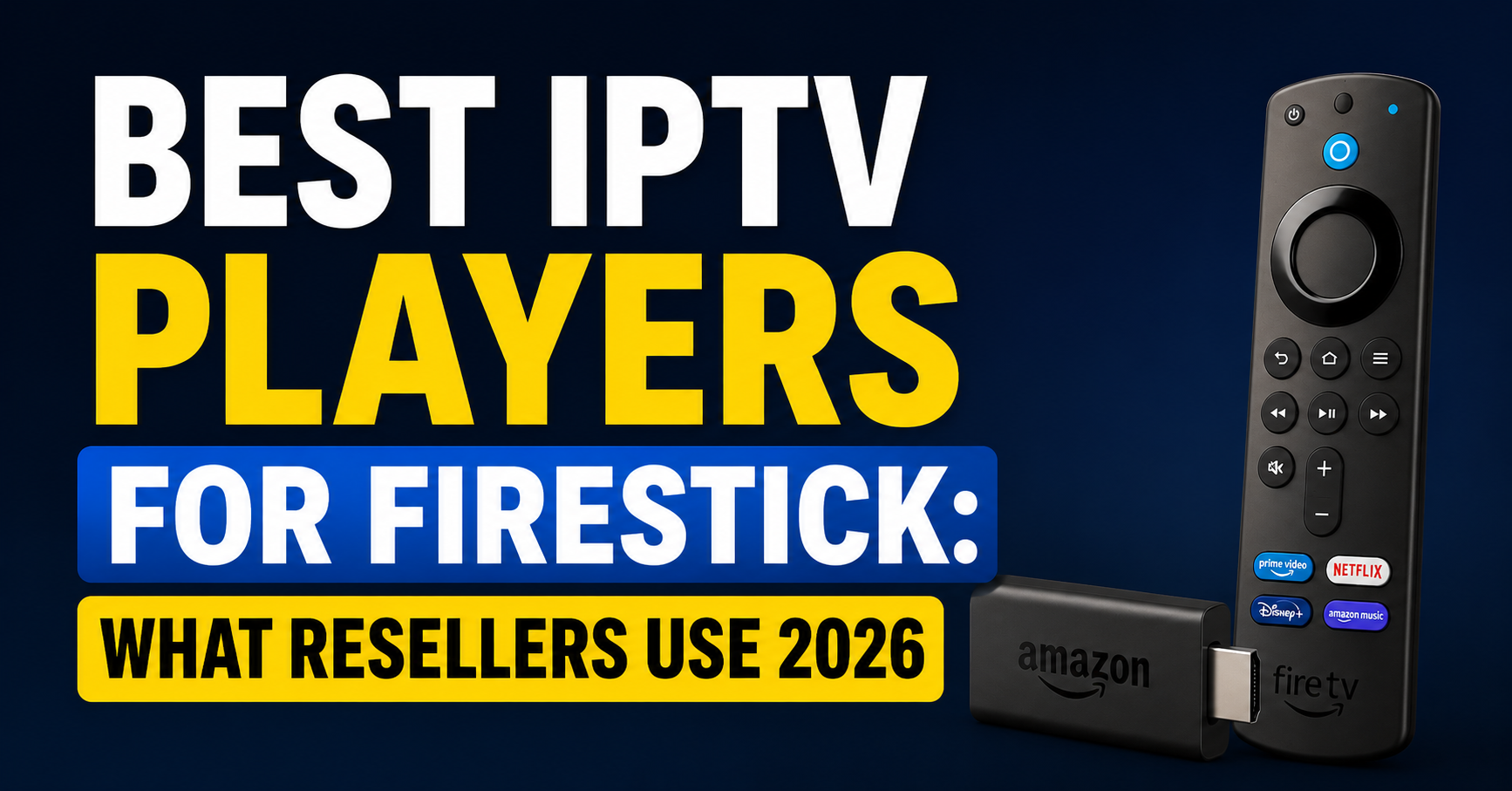
The Firestick is a strange piece of hardware. It costs less than a takeaway, runs a fork of Android nobody officially supports, and yet it has quietly become the single most common device sitting behind a television running IPTV streams. Every UK IPTV reseller knows this. Every household running a subscription has owned at least one. And every support ticket about “buffering” eventually traces back to one of two things: the upstream server, or the player app the customer chose at 11pm without reading anything.
This guide is about the second problem. Because no matter how clean your panel is, how stable your uplink, or how well-tuned your HLS latency settings are, the wrong player on a Firestick will undo every bit of that work in under thirty seconds.
I have watched a customer blame an entire network outage on a server that was running at 4% CPU load. The issue was the app. A different app, same stream, same Firestick, flawless. That’s the gap we’re closing here.
The Best IPTV Players for Firestick are not the ones with the prettiest interfaces or the loudest YouTube reviews. They’re the ones that handle codec switching mid-stream, recover from a dropped chunk without a full reload, and don’t choke when the EPG payload exceeds 5MB. Let’s get into the specifics.
What Actually Separates a Working Player From a Broken One
Most listicles about the Best IPTV Player for Firestick rank apps by interface design. That’s lazy. A player’s job is to decode, buffer, and present, in that order, without dropping frames when the network gets uncomfortable.
Three things matter, and almost nothing else does. The first is codec coverage. A modern stream may switch between H.264 and HEVC depending on what the source pushes. If the app can’t handle hardware-accelerated HEVC on a 1st-gen Firestick Lite, you’ll see green artifacts or a black screen the moment a 4K Premium Sports Stream takes over from a 1080p feed.
The second is buffer logic. Some apps reload the entire stream when they detect packet loss. Others quietly re-request the missing HLS chunk and carry on. The difference is invisible until your customer is watching a final, and then it becomes the difference between a renewal and a refund.
The third is EPG handling. Many apps load the entire XMLTV file into memory on startup. On a Firestick with 1GB of RAM, that’s a recipe for crashes the moment the file gets large.
Pro Tip: If a customer tells you a stream “freezes for 4 seconds every 30 seconds”, check whether their player uses TS over HTTP or HLS. The pause pattern is almost always a buffer-size mismatch, not a server fault.
Tier-One Players Worth Actually Installing
The shortlist below isn’t ranked by popularity, it’s ranked by what survives a UK IPTV reseller stress test with 200 concurrent connections behind a single panel during peak hours.
TiviMate sits at the top for a reason most people don’t understand. Its playlist engine is asynchronous, meaning it pulls the M3U and the EPG on separate threads. Most other apps block the UI while parsing, which is why they “freeze” for ten seconds after a channel zap. Its DVR module also handles timeshift cleanly on the Firestick 4K Max, which matters more than any cosmetic feature.
IPTV Smarters Pro remains the default that resellers ship with their panels, partly because of branding flexibility, partly because the Xtream Codes API integration is genuinely stable. Where it falls short is on heavy EPG loads. Anything past 3MB of guide data and it starts to lag the channel grid.
XCIPTV is the underrated one. It handles multicast better than any other Firestick player I’ve stress-tested, and the catch-up implementation is more forgiving when timestamps drift slightly between the panel and the source.
OTT Navigator is what I recommend to power users who want timeshift, archive playback, and granular buffer control without the bloat. It is not beginner-friendly. It is, however, the player I personally use when I’m troubleshooting whether a stream issue is server-side or client-side.
Sparkle TV is newer but worth tracking, its HEVC decoding fallback on older Firesticks is cleaner than most.
Why the Best IPTV Players for Firestick Often Lose to ISP-Level Issues
This section is the one most articles skip. You can install any of the Best IPTV Players for Firestick on the market and still face buffering, because the bottleneck is upstream of the app entirely.
In 2026, ISPs across the UK, Italy, Spain, and increasingly the Gulf states are deploying SNI inspection and DNS poisoning at the carrier level. The Firestick app is not at fault when this happens. It simply cannot resolve the upstream host. Symptoms include the app loading, the channel list populating, and then every stream returning a generic “unable to play” error after 4 to 6 seconds.
The fix isn’t switching apps. It’s switching how the device reaches the internet. Here’s the table I reach for when diagnosing these calls:
| Issue | Wrong diagnosis | Actual cause | Real fix |
|---|---|---|---|
| All channels buffer at 8pm | “Bad server” | ISP throttling on port 80 | Force HTTPS endpoint or move to port 8080 |
| Channel list loads, streams don’t | “Expired line” | DNS poisoning at ISP | Use DoH-capable router or alternative resolver |
| HEVC channels fail only | “Subscription issue” | Codec missing in player build | Switch to TiviMate or XCIPTV |
| Random 4-second freezes | “Wi-Fi weak” | HLS chunk size mismatch | Reduce buffer to 2 segments in player settings |
| EPG won’t load | “Server EPG broken” | App RAM ceiling hit | Use lightweight EPG XML, not full provider feed |
The table above is what I refer back to when a reseller messages me at 1am insisting the panel is down. Eight times out of ten, the panel is fine. The diagnosis is wrong.
What Nobody Tells You About Sideloading on Firestick
Most of the Best IPTV Players for Firestick are not on the Amazon Appstore. This is not by accident. Amazon’s policy has tightened progressively since 2023, and by 2026 the official store carries maybe two or three usable IPTV apps, none of which are first-tier.
Sideloading via Downloader is still the standard route. But the Firestick OS update cycle in 2025 changed how “Apps from Unknown Sources” behaves, and a lot of resellers got caught by it. The toggle now resets in some firmware builds after a forced reboot, which means a customer who reset their stick will call you saying “the app disappeared”.
A few practical points worth burning into your support documentation:
- Always provide customers with the direct APK download URL, not just the app name
- Verify the APK signature before distribution, there are at least four trojanised TiviMate clones circulating that exfiltrate M3U credentials
- For commercial deployments, use a stick that’s been pre-loaded and shipped, not one the customer has to set up themselves
- Avoid recommending any player that requires Google Play Services, Firestick doesn’t ship with them and the workarounds break on updates
- Keep a fallback player installed alongside the primary one for support purposes
Pro Tip: When a customer complains about a player “crashing on launch” after months of working fine, check whether the Firestick auto-updated. New OS builds occasionally break older player versions, and the fix is almost always pushing a new APK rather than debugging the stream.
Which Player Should Resellers Actually Ship With Their Service?
This is the question that separates hobbyists from operators. If you’re running a UK IPTV Panel reseller business, the player you recommend is part of your product, whether you accept that or not. Customers who install the wrong app blame you, not the app.
For B2C subscription sales, default to IPTV Smarters Pro with your branded skin if your panel supports it. The learning curve is shallowest, the Xtream API integration is reliable, and the support load is manageable because the interface is the most documented online.
For B2B sub-reseller deals, recommend TiviMate Premium and bake the cost into the package. Sub-resellers reselling to power users will field complaints about timeshift, DVR, and multi-screen handling, TiviMate covers all three. The Premium key is a one-time cost that prevents weeks of support tickets.
For mixed households where one Firestick serves both grandparents and gamers, XCIPTV is the safer middle ground. Its interface is closer to a traditional cable EPG, which reduces “how do I change channel” support requests by a noticeable margin. Here’s how the shortlist breaks down by use case:
| Player | Best for | Skill level | Common failure mode |
|---|---|---|---|
| TiviMate | Power users, sub-reseller stacks | Intermediate | Premium key needed for full features |
| IPTV Smarters Pro | Mass-market subs | Beginner | EPG lag on large guide files |
| XCIPTV | Family households | Beginner-Intermediate | Catch-up timing drift |
| OTT Navigator | Troubleshooting, archive use | Advanced | Steep learning curve |
| Sparkle TV | Older Firestick hardware | Beginner | Smaller dev community |
Tuning Player Settings Once the Right App Is Installed
Once the right Best IPTV Players for Firestick is installed, most resellers stop there. That’s a mistake. Default settings are tuned for a generic broadband connection, not for the specific upstream profile of your panel.
Buffer size is the first knob to touch. Default is usually 4 or 5 segments, which on an HLS stream translates to 16 to 20 seconds of pre-load. That sounds safe, but it’s the reason channel zapping feels sluggish on Firesticks, so drop it to 2 segments. Latency falls, perceived responsiveness rises, and unless the upstream is genuinely unstable, you won’t notice more buffering events.
Hardware decoder selection is the second. Most players default to software decoding because it’s the most compatible. On a Firestick 4K Max, this means you’re decoding HEVC on the CPU instead of the dedicated decoder block, wasting power and adding heat. Manually switch to hardware decoding in the player settings. The difference on a 4K Premium Sports Stream is the difference between a smooth 50fps and a stuttering 24fps.
The third is connection timeout. Default is often 30 seconds. For an IPTV use case, that’s far too long, a customer experiencing a real outage will assume the app has crashed. Drop it to 8 to 10 seconds so the player surfaces failures fast enough to retry or switch channels.
Pro Tip: Never let a customer install a “VPN booster” or “speed up” app alongside their IPTV player. These almost always run a background traffic-shaping layer that throttles HLS chunks worse than the original problem.
Frequently Asked Questions
Are the Best IPTV Players for Firestick free or do they require payment?
Most are free at the base level. TiviMate offers a Companion (free) and Premium tier, Premium unlocks multi-playlist support, DVR, and reminders. IPTV Smarters Pro, XCIPTV, and OTT Navigator are free to install, though some resellers pay developers for branded white-label builds. Beware “premium activation codes” sold on third-party sites, most are scams that compromise your panel credentials.
Why does my IPTV player work but channels still buffer constantly?
Buffering is rarely the player’s fault when the channel list loads cleanly. Common culprits are ISP-level throttling during peak hours, DNS poisoning blocking specific endpoints, or Wi-Fi congestion between the Firestick and router. Test with a wired Ethernet adapter on the Firestick, if buffering disappears, the issue is wireless. If it persists, the upstream route is being interfered with.
Can I run two of the Best IPTV Players for Firestick at the same time on one device?
You can install multiple players simultaneously, but only one can actively stream. Many resellers do this as a support tactic, TiviMate as primary, IPTV Smarters as fallback. If a customer reports an issue, switching apps quickly isolates whether the problem is the player or the stream itself. Just ensure both apps stay updated to avoid stale APK conflicts.
Is sideloading IPTV apps onto a Firestick legal?
Sideloading itself is legal in most jurisdictions, Amazon explicitly allows it. What matters is the content the app accesses. A player app is just software; legality depends on whether the IPTV subscription it connects to is licensed to redistribute the content in your region. Resellers should always operate within properly licensed supply chains and avoid promoting unlicensed feeds.
How do I stop my Firestick player from crashing during EPG load?
Large EPG files (anything above 3 to 4MB) exceed the working RAM available on most Firestick models. Switch to a lightweight EPG source that includes only your subscribed channel groups instead of the full provider XML. Alternatively, use TiviMate, which streams EPG data asynchronously instead of loading it into memory all at once. Restart the Firestick weekly to clear accumulated cache.
What’s the best player for catch-up TV and archive playback?
OTT Navigator handles catch-up most reliably because it respects timestamp offsets when the panel and source clocks drift. XCIPTV is a strong runner-up. Avoid players that don’t display a catch-up icon next to channels, those builds simply don’t support the API call, and your customers will blame your service for “missing” the feature.
Why do some Best IPTV Players for Firestick lose audio after switching channels?
Audio dropouts on channel change usually trace to AAC vs AC3 codec switching. The player decodes the first stream’s audio profile and fails to renegotiate when the next channel pushes a different one. Force the audio output to “Stereo” in Firestick system settings rather than “Surround Sound passthrough”, this normalises the output and prevents most renegotiation failures.
Does using a VPN with my IPTV player affect performance?
It depends on the VPN protocol and server location. WireGuard adds minimal overhead and can actually improve performance if your ISP is throttling. OpenVPN over TCP often makes buffering worse. Always choose a VPN endpoint geographically close to the IPTV server, not just close to you. A 200ms round-trip increase will visibly degrade live channel zapping.
Reseller Success Checklist
Pre-deployment audit before shipping any subscription tied to a Firestick:
- Test every Best IPTV Players for Firestick on your shortlist against your own panel during peak hours (7pm to 11pm local time), not at 3am when everything works
- Document the exact APK version you ship; never tell customers to “just download the latest” because newer builds occasionally break compatibility with older panels
- Pre-configure buffer size to 2 segments and hardware decoder to “on” before handing the device to a customer
- Build a one-page troubleshooting cheat sheet for your support staff covering the five most common failure patterns (buffering, crash on launch, EPG missing, audio drop, channel list empty)
- Keep a fallback player installed on every demo device, when a primary app fails, the speed of your second-app switch is the difference between a frustrated customer and a saved sale
- Audit your APK source quarterly; trojanised clones appear constantly and credential-stealing builds will quietly destroy your panel reputation
- Train sub-resellers on the difference between a player issue, a panel issue, and an ISP issue before they ever take a customer call, most support tickets are misdiagnosed in the first 30 seconds
For UK IPTV resellers building a sustainable subscription business around the Best IPTV Players for Firestick, the device is only as good as the supply chain behind it. Sourcing from a properly structured reseller infrastructure with stable uplinks and load-balanced panels, like the one operated at britishseller.co.uk, removes the most common failure point before it ever reaches the player layer.
The app on the Firestick is the last mile. Everything before it has to be right first.