
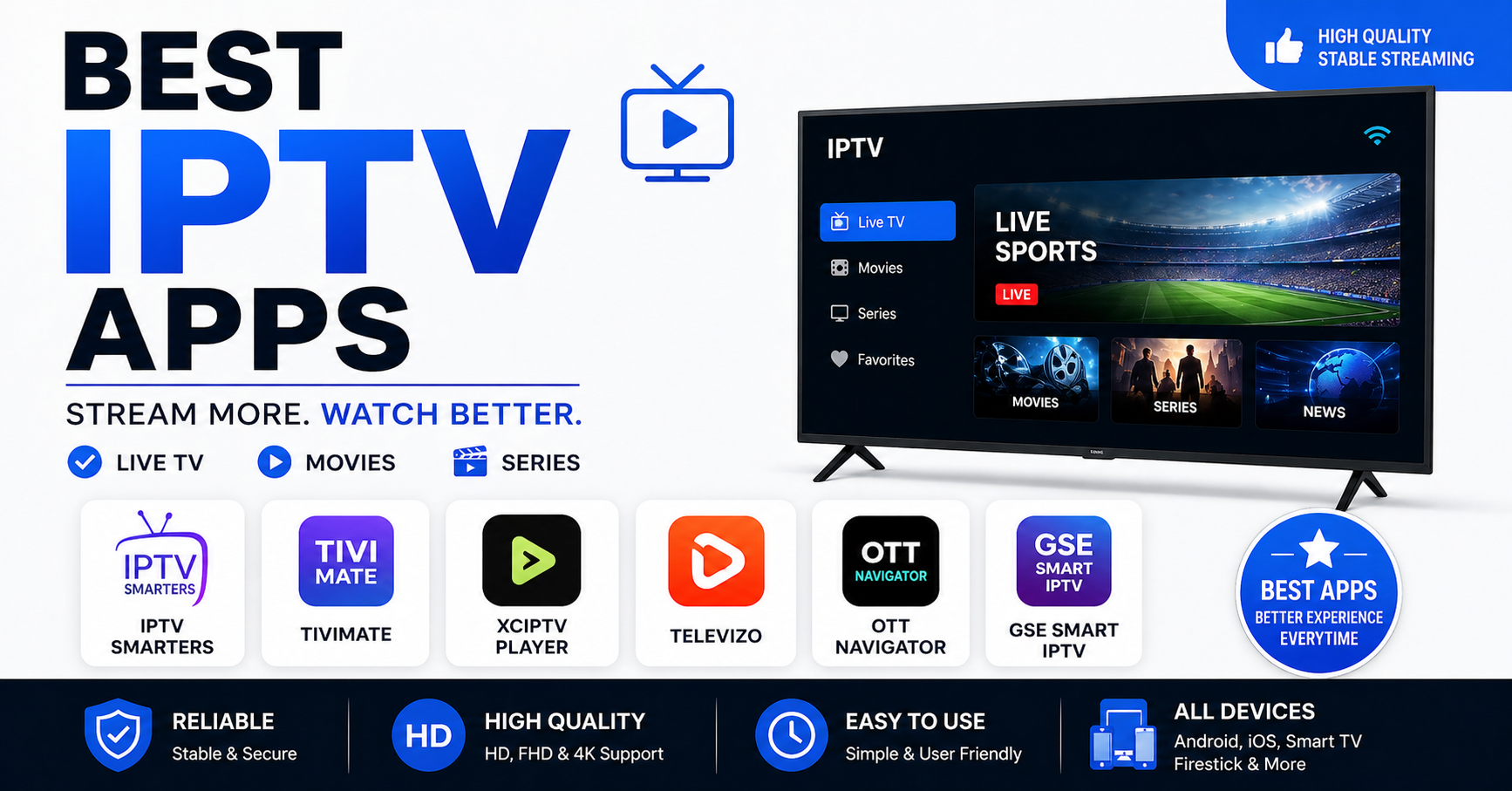
The app you choose is doing more work than you think.
Most people obsess over their subscription plan, the channel count, the price per credit, whether they’re getting 4K or not. Then they load up a random player and wonder why their stream drops every 20 minutes. Here’s the part nobody talks about upfront: the best IPTV apps are not interchangeable. The player layer is where buffering is born, where EPG breaks, and where your customers quietly stop renewing.
This guide covers what separates functional apps from genuinely reliable ones, what to look for when you’re managing multiple subscriptions, and which best IPTV apps are actually worth loading in 2026, not just the names everyone repeats, but the operational reasons behind the recommendations.
What the App Actually Controls (Most People Get This Wrong)
When your stream buffers, your first instinct is to blame the provider. Sometimes that’s right. But more often than anyone in this space will admit publicly, the problem is at the player level, specifically how the app handles HLS latency spikes and stream renegotiation.
The best IPTV apps manage buffer size dynamically. When server load spikes, a well-coded player renegotiates the stream silently. A poorly coded one just stalls. That’s the practical difference between an app that “works” and one your customers will actually stick with.
Three things any serious app must handle well:
Buffer pre-load depth: how much content the app caches locally before playback starts
Automatic failover requests: whether the app retries a dead stream URL without user input
EPG rendering speed: slow guide loading is one of the top three reasons family subscribers cancel
If an app fails on any of these, it doesn’t matter how good your upstream infrastructure is. Your customers will blame you, not their phone.
Pro Tip: Before recommending any app to a new subscriber, test it on a 4G connection, not just your home broadband. ISP-level throttling and DNS poisoning affect mobile users more severely, and that’s where most churn happens invisibly.
The Landscape Right Now: Why 2026 Changed Things
Best IPTV apps that worked without issue in 2024 are now facing a different enforcement environment. AI-driven ISP blocking has matured considerably. In 2025, major broadcasters shifted from static IP blacklisting to behavioral traffic analysis, identifying IPTV streams by packet signature, not just destination. By early 2026, that approach became standard across several European ISPs.
What this means practically:
The best IPTV apps now need to support or integrate cleanly with VPN tunneling at the app layer, not just the device level. Apps that can’t handle encrypted tunnel connections without breaking the stream are increasingly unreliable for UK and European subscribers.
A second enforcement shift: DNS poisoning at the ISP level has become more aggressive. Apps that rely on hardcoded DNS for their stream resolution fail when that DNS gets poisoned mid-session. The better apps in 2026 support dynamic DNS resolution or allow custom DNS entry, which is now a non-negotiable feature, not a bonus.
[table]
IPTV Smarters Pro: Still the Standard for a Reason
You already know the name. The question is whether it still earns its position among the best IPTV apps or whether it’s coasting on reputation.
Operationally, Smarters Pro holds up. The multi-profile support is particularly relevant for UK IPTV resellers managing family accounts, one subscription, multiple device profiles, each with independent EPG settings. For family subscribers especially, this eliminates the most common support ticket: “my kids changed the channel guide.”
Where it falls short is on aggressive ISP environments. On networks with active traffic shaping, Smarters Pro doesn’t always recover cleanly from stream interruptions. The buffer depth setting helps, but it’s manual configuration that most end-users won’t touch.
For resellers, the real value of Smarters Pro is in first-line support. When a customer says the app is broken, you can walk them through a fix remotely because the interface is standardized and predictable. That consistency has real operational value.
Recommended for: Family-plan subscribers, resellers who prioritize support simplicity, devices running Android 9+.
TiviMate: Where the Reseller Community Actually Lives
Ask experienced IPTV resellers which app they run personally, and most will say TiviMate. It’s not beginner-friendly. The setup requires more configuration than any other app on this list. But the performance ceiling is higher, and for technically capable subscribers or resellers building their own experience, it’s the most capable of the best IPTV apps available today.
The EPG system in TiviMate is genuinely different. It doesn’t just display guide data, it allows granular control over which sources feed the guide, refresh intervals, and custom channel grouping. For a reseller managing a panel with 40,000+ channels, that channel organization feature alone reduces support calls.
Pro Tip: TiviMate’s recording feature is frequently overlooked. Subscribers who can record content locally churn at lower rates, they feel ownership over the service. If you’re positioning your offering as a premium product, educating customers on this feature is worth a 5-minute onboarding message.
Load balancing note: TiviMate handles multi-server M3U structures better than most apps. If your provider (like britishseller.co.uk’s Autven panel infrastructure) runs multi-server failover, TiviMate will switch cleanly between backup uplink servers with minimal visible interruption.
GSE Smart IPTV: The Cross-Platform Answer
iOS has always been the difficult side of IPTV deployment. Apple’s app review process eliminated most dedicated IPTV players, and the few that remain tend to be either limited in features or inconsistent in updates. GSE Smart IPTV is the closest thing to a reliable answer for iPhone and iPad subscribers.
What it does well: External player integration. GSE allows routing streams through third-party players like Infuse, which handles HLS decoding more efficiently on iOS hardware. For subscribers watching on iPad in particular, this combination delivers noticeably smoother 4K playback than any self-contained iOS app.
What it doesn’t do well: The EPG setup is more convoluted than Android equivalents, and the interface hasn’t kept pace with TiviMate or Smarters in terms of design. Functionally solid, aesthetically dated.
For resellers targeting mixed-device households, families where one person has an iPhone, another has a Firestick, another has an Android box, GSE handles that cross-platform scenario without requiring a separate subscription or credential set.
Firestick-Specific Deployment: What the Best IPTV Apps Look Like on Amazon Hardware
Amazon Firestick remains the dominant device in UK living rooms. The combination of price, availability, and the established Downloader sideloading method makes it the default delivery mechanism for the majority of IPTV subscriptions.
The best IPTV apps for Firestick are not always the best apps overall. Hardware matters here. Firestick’s memory limitations mean that apps with heavy UI layers, multiple animated overlays, large EPG renders, cause noticeable lag between channel switches. On a Firestick 4K Max, this is less pronounced. On the standard Firestick Lite, it becomes a churn factor.
Practical ranking for Firestick specifically:
TiviMate: best performance, highest configuration requirement
IPTV Smarters Pro: best balance of usability and performance
Downloader + standalone player: most flexible for advanced users
One frequently missed issue: Firestick’s aggressive app hibernation kills background EPG refresh. The best IPTV apps handle this with persistent foreground service requests. Apps that don’t will show stale guide data after the device has been idle, which looks like a provider problem to the subscriber.
Pro Tip: Tell customers to disable “App Standby” in the Firestick developer settings. One message, zero EPG complaints for that subscriber going forward.
Why Cheap Apps Create Expensive Problems for Resellers
There’s a category of app that circulates in Telegram groups and WhatsApp communities, often free, occasionally monetized through in-app ads, and consistently unreliable after 60 days. New IPTV resellers, particularly those building their first 20–30 customer base, gravitate toward these because they’re easy to recommend.
The cost structure is wrong. When these apps fail, and they rotate through failure cycles as their update cadence slips, your customers blame the subscription, not the app. You handle the refund requests. You field the WhatsApp messages at 11pm during a live sports match. Your panel credit gets burned on replacement lines.
The best IPTV apps have active development teams. You can verify this quickly: check the app’s last update date in the store. Anything over four months with no update is a risk, because ISP blocking adaptations require continuous development response.
| Feature | Basic apps | Best IPTV apps (2026) |
|---|---|---|
| DNS customization | None | Manual DNS entry |
| VPN compatibility | Breaks on tunnel | Full tunnel support |
| Auto stream retry | Manual refresh | Silent renegotiation |
| EPG sync method | Static XML file | Dynamic, auto-update |
| Multi-connection | Single stream only | Multiple simultaneous |
The Custom App Advantage for Growing Resellers
Autven’s panel infrastructure, available through britishseller.co.uk, includes a custom app option alongside compatibility with standard best IPTV apps. This matters more at scale than it does in the first 30 customers.
A custom-branded app creates a closed support loop. When something breaks, the customer contacts you, not a public forum, not an app’s generic support chat. You control the troubleshooting path. You control the resolution. That control directly protects your subscription renewal rate.
The technical side is also cleaner. Custom apps configured for specific panel infrastructure handle credential rotation more elegantly, particularly relevant when backup uplink servers cycle during ISP enforcement events. Generic apps sometimes require customers to re-enter credentials after a server-side infrastructure change. A properly configured custom app handles this silently.
For UK IPTV resellers at 50+ active subscribers, the case for a custom app is straightforward. Below that threshold, the best IPTV apps available publicly are sufficient, with the configuration guidance your customers need to use them correctly.
App Configuration Decisions That Affect Buffering (Not Infrastructure)
One thing this industry gets backwards constantly: resellers assume all buffering is a server problem. It frequently isn’t. The following settings, when misconfigured, generate buffering symptoms identical to server overload:
- Buffer size set too low: the app can’t absorb short network latency spikes, so playback stalls
- Hardware decoding disabled: software decoding on mid-range devices creates processor bottlenecks that look like stream lag
- VPN protocol mismatch: some VPN configurations that work fine for browsing add 80–120ms latency to IPTV streams, pushing HLS latency beyond the buffer threshold
- Wrong stream format selected: loading an HLS stream in an app configured for RTMP causes unnecessary transcoding overhead
Before escalating a buffering complaint to your provider, check these four settings. In the majority of cases with well-configured infrastructure (like Autven’s multi-server failover system with sub-3-second switching), the root cause is on the device side.
Success Checklist: Deploying Best IPTV Apps Across Your Subscriber Base
These are execution steps, not theory. Run through this when onboarding new customers or troubleshooting existing ones.
- ☐ Confirm device type before recommending any app: Firestick, Android box, iOS, Smart TV each has different optimal choices
- ☐ Check the app’s last update date: reject anything older than 4 months without a stated update schedule
- ☐ Configure DNS manually in the app settings: avoid ISP default DNS on all streaming devices
- ☐ Set buffer pre-load to medium-high during initial setup, adjust down only if the device struggles
- ☐ Test on 4G before confirming setup is complete: replicates real-world ISP conditions
- ☐ Enable hardware decoding if the device supports it: reduces processor-based buffering significantly
- ☐ Document which app version each customer is running: makes support calls faster and more consistent
- ☐ Brief customers on the EPG refresh cycle: weekly reminders to let the guide update reduces guide-related tickets
- ☐ Recommend TiviMate to technically confident subscribers, Smarters Pro to everyone else as a default
- ☐ Verify multi-server failover is active in your panel infrastructure: the best IPTV apps can’t compensate for single-server setups when that server goes down
The best IPTV apps are only as effective as the infrastructure behind them and the configuration in front of them. Both ends require attention. Resellers who treat app selection as a one-time decision rather than an ongoing management responsibility are the ones dealing with the most churn, and spending the most time on support that should never have been generated.



