Three years ago, I watched an entire reseller network collapse during a premium sports event. Peak concurrent connections. Panels frozen. Customers hammering support. The root cause wasn’t the panel software, the server location, or even the upstream provider. It was the encoding layer, a cheap, underpowered solution that couldn’t sustain HLS latency under real load. That’s the moment I started taking the PVI IPTV encoder seriously.
This isn’t a product review. It’s a field-level breakdown of why encoding infrastructure separates operations that scale from ones that implode.
What a PVI IPTV Encoder Actually Does (And Why Resellers Get It Wrong)
Most beginner UK IPTV reseller treat encoding as a background process, something that just happens upstream. That’s a dangerous misunderstanding.
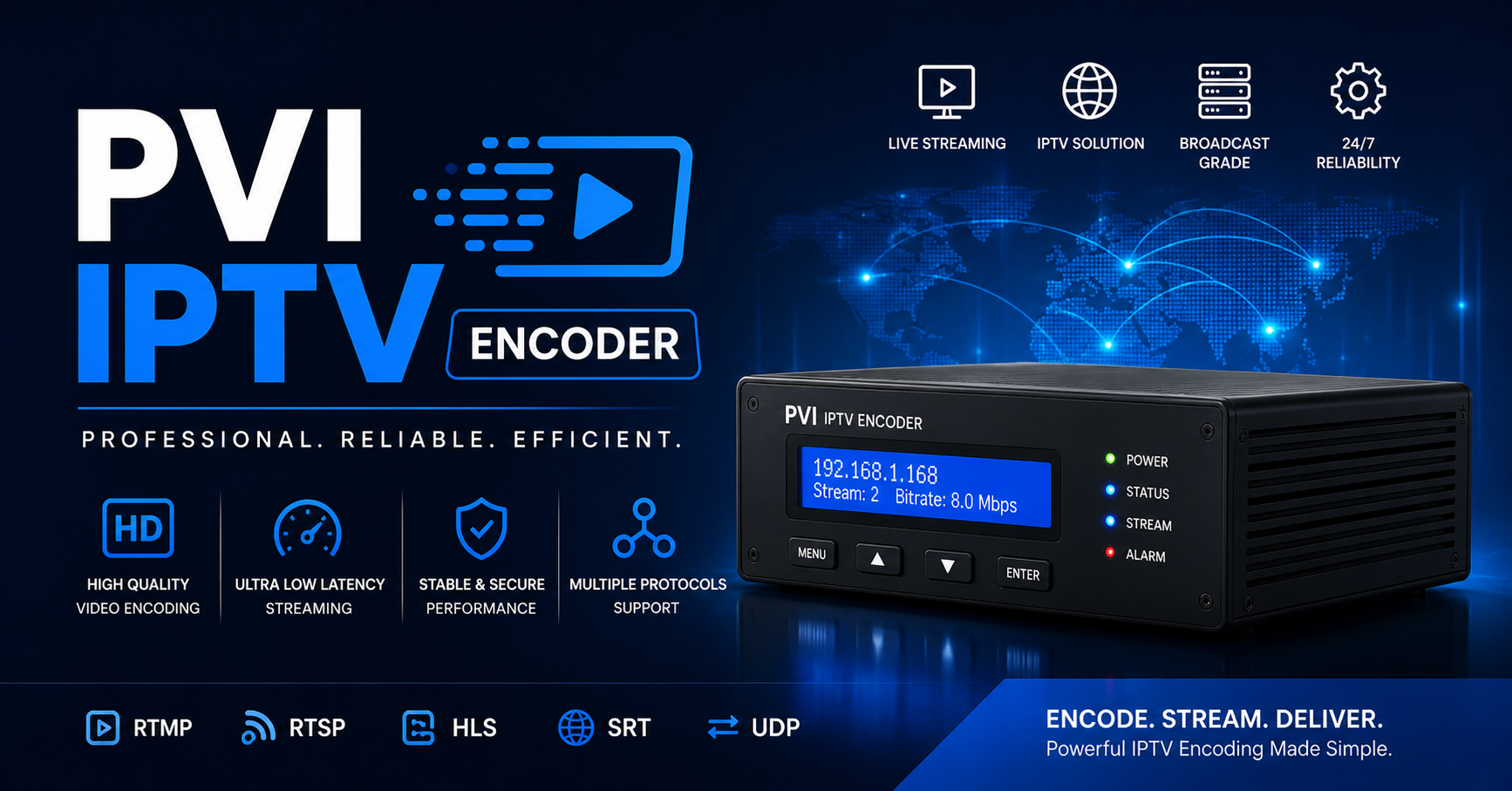
The PVI IPTV encoder sits at the point where raw broadcast signal gets converted into a streamable format your panel can distribute. It handles compression, bitrate management, stream packaging, and output protocol selection (HLS, MPEG-TS, RTMP). If this layer fails or performs poorly, no amount of good server infrastructure downstream saves you.
The distinction matters because resellers often throw money at CDN upgrades or extra panel credits when the real problem is encoding inefficiency. High bitrate wastage, inconsistent keyframe intervals, poor adaptive bitrate configuration, these are encoder-level problems, and the PVI IPTV encoder architecture is specifically built to handle them under commercial-grade load.
Pro Tip: If your streams buffer consistently above 80% concurrent load but your server CPU looks fine, suspect the encoder before anything else. Encoding bottlenecks don’t always show up in standard server metrics.
Why Cheap Encoding Solutions Collapse When It Matters Most
There’s a pattern in how reseller operations fail, and it’s almost always tied to cost-cutting at the encoding layer. Budget encoders are typically fine at 20 to 30 simultaneous streams. Push past that, and you start seeing:
- Keyframe misalignment causing player desync
- Inconsistent HLS segment delivery intervals
- GOP (Group of Pictures) structure errors that break adaptive streaming
- Thermal throttling on underpowered hardware during long broadcast windows
The PVI IPTV encoder is engineered to sustain consistent output under prolonged high-load conditions. Where cheap encoders thermally throttle or drop frames after 4 to 6 hours of continuous operation, commercial-grade encoding infrastructure maintains stable output across broadcast windows that can run 12 to 18 hours continuously.
Here’s how the two compare directly:
| Factor | Budget encoder | PVI IPTV encoder |
|---|---|---|
| Max stable concurrent streams | 30 to 50 | 200 to 500+ |
| Sustained operation window | 4 to 6 hrs | 12 to 18+ hrs |
| Adaptive bitrate support | Limited | Full ABR ladder |
| HLS segment consistency | Variable | Tightly controlled |
| Keyframe interval accuracy | Often drifts | Locked to spec |
| ISP evasion compatibility | None | Header-level adaptability |
The cost difference between these tiers is real, but so is the revenue difference between an operation that survives a major sports event and one that refunds half its customer base.
The 2026 ISP Blocking Problem and Where Encoding Fits In
ISP-level blocking has evolved well beyond simple IP blacklisting. In 2026, AI-driven traffic analysis tools deployed by major broadcasters and their enforcement partners can now fingerprint stream characteristics, bitrate signatures, segment delivery patterns, container formats, to identify IPTV traffic without needing to know the specific IP address.
This is where the PVI IPTV encoder becomes a strategic asset rather than just a technical component. Encoding configuration directly affects your stream’s fingerprint. Output that’s poorly packaged or uses recognizable default encoding profiles is significantly easier to identify and flag than output that’s been deliberately configured to blend with standard OTT traffic patterns.
Resellers operating in 2026 need to think about encoding as a defensive layer, not just a delivery mechanism.
Pro Tip: Randomizing HLS segment duration slightly (within spec) and varying output container metadata through your encoder configuration makes AI traffic fingerprinting measurably harder. Most budget encoders don’t expose these controls at all.
Panel Credits, Stream Allocation, and Why Encoding Efficiency Determines Your Margins
Here’s a financial angle most reseller guides completely ignore.
Your panel credit consumption is directly tied to stream count, but your actual infrastructure cost per stream is tied to encoding efficiency. A poorly configured PVI IPTV encoder (or a budget alternative) that outputs unnecessarily high bitrates wastes bandwidth you’re paying for, drives up your CDN transfer costs, and pushes you toward hitting panel stream limits faster than necessary.
Efficient encoding means:
- Lower per-stream bandwidth consumption
- Better quality-to-bitrate ratio (your customers experience better quality at lower actual throughput)
- More headroom before you hit upstream connection limits
- Reduced CDN egress costs at scale
When you’re running 500+ active subscriptions, the difference between an encoder outputting at 8Mbps average versus a properly optimized PVI IPTV encoder setup outputting equivalent quality at 5.5Mbps is significant monthly savings. At scale, encoding efficiency is a profit lever, not just a technical preference.
Backup Uplink Architecture: What Happens When Your Primary Encoding Path Dies
Every operator eventually runs into this: primary encoding infrastructure goes down mid-event. If you don’t have a redundant path, your customers notice immediately, your churn spikes, and refund requests pile up.
Professional deployments using the PVI IPTV encoder incorporate:
- Primary encoding path → Main distribution server → CDN edge nodes
- Backup uplink → Secondary encoder (warm standby) → Alternative distribution route
The failover time between primary and backup matters enormously. Cold standbys (encoders that need to be manually started) can take 3 to 8 minutes to come online. Hot standbys running parallel encoding can switch in under 30 seconds. For live sports or major events, the difference between those two scenarios is the difference between a minor hiccup and a customer service catastrophe.
Pro Tip: Always run your backup PVI IPTV encoder path on a different physical uplink, not just a different server on the same connection. ISP-level disruptions will take out both paths if they share the same upstream provider.
Load Balancing Across Multiple Encoding Outputs
Scaling an IPTV reseller operation isn’t just about adding more panel credits or expanding your server count. It’s about managing how your encoding layer distributes load across your distribution infrastructure.
The PVI IPTV encoder supports multi-output configurations that allow you to feed multiple downstream distribution points simultaneously. This matters for several reasons:
Geographic distribution of customers creates different latency profiles
Peak load events (major matches, live events) can saturate single distribution paths
Redundancy across multiple outputs prevents single points of failure
Resellers who scale successfully typically move to a tiered encoding architecture:
- Ingest layer: raw signal capture and initial encoding (PVI IPTV encoder handles this)
- Distribution layer: multiple CDN or edge server endpoints receiving encoded output
- Delivery layer: panel software managing customer-facing stream allocation
Most operators who hit scaling walls are trying to solve distribution-layer problems when the actual constraint is at the ingest/encoding layer.
Customer Churn Psychology and the Invisible Role of Encoding Quality
Customers rarely complain about encoding. They complain about buffering, pixelation, audio sync issues, and stream drops, all of which are symptoms of encoding problems, not causes that customers can identify.
The psychology here is important. When a customer says “your streams are terrible,” they’ve already made a judgment about your service quality. They’re not analyzing your HLS segment delivery or your keyframe intervals. They’re comparing their experience to whatever baseline they consider acceptable, and that baseline has risen significantly as legal OTT services have improved their delivery quality.
The PVI IPTV encoder closes the gap between what customers experience from premium legal services and what IPTV operations can deliver. Specifically:
- Consistent adaptive bitrate means customers on varied connection speeds all get watchable output
- Tight keyframe intervals reduce player startup time (cold start latency)
- Proper audio/video sync maintenance across extended broadcast windows eliminates the drift that causes complaints hours into long events
Churn reduction through encoding quality is one of the most undervalued retention strategies in IPTV reseller operations.
Hardware or Software Encoding: Which Deployment Fits Your Operation
This is a genuinely complex decision and the right answer depends on your scale, technical capacity, and operational model.
Hardware PVI IPTV encoder deployments offer:
- Dedicated processing with no resource competition
- More predictable thermal management
- Often simpler configuration for specific use cases
- Higher upfront cost, lower per-stream cost at scale
Software PVI IPTV encoder deployments offer:
- Flexibility to run on cloud or dedicated server infrastructure
- Easier scaling (spin up capacity as needed)
- Integration with virtualization and containerization workflows
- More exposure to host system resource contention under load
Pro Tip: For operations under 200 concurrent streams, software deployment on a properly provisioned dedicated server is usually more cost-effective. Above 500 concurrent streams, hybrid approaches, hardware encoding feeding software distribution, tend to deliver better stability per dollar spent.
DNS Poisoning, Traffic Interception, and Encoding-Layer Countermeasures
DNS poisoning is an increasingly common enforcement tactic in 2026. By poisoning DNS resolution for IPTV panel domains or stream delivery endpoints, enforcement teams can redirect customers to block pages without touching the actual server infrastructure.
Encoding configuration can contribute to resilience here in ways that aren’t immediately obvious:
- Encoding outputs can be distributed across multiple domain endpoints simultaneously
- Stream packaging formats can be configured to use absolute (rather than relative) URLs, reducing sensitivity to DNS manipulation
- The PVI IPTV encoder can output to multiple parallel destinations, providing alternative delivery paths if primary domains are poisoned
This isn’t a complete solution. DNS-level enforcement still requires operational responses at the panel and domain management layer, but encoding infrastructure that supports multi-destination output gives you more response options when enforcement pressure escalates.
Turning the PVI IPTV Encoder Into a Working Part of Your Operation
Stop treating encoding as someone else’s problem. If you’re running a serious UK IPTV reseller operation in 2026, here’s your execution-focused checklist:
- Audit your current encoding layer: know what’s handling your ingest before anything breaks
- Benchmark under load: test your PVI IPTV encoder configuration at 80 to 90% expected peak concurrent connections before major events
- Configure adaptive bitrate properly: don’t just use default profiles, match your ABR ladder to your actual customer connection distribution
- Build a warm standby: your backup PVI IPTV encoder path should be running continuously, not sitting cold
- Separate your uplinks: primary and backup encoding paths must use different upstream ISP connections
- Monitor keyframe intervals actively: drift here causes player complaints that get blamed on everything except the real cause
- Review your bitrate efficiency: are you outputting more bandwidth than necessary? Calculate what encoding optimization would save at your current scale
- Document your encoding configuration: when something breaks at 2am during a live event, you need to know exactly what settings to restore
- Test your DNS resilience: verify that your PVI IPTV encoder output destinations have fallback routing if primary domains are disrupted
- Match encoding capacity to growth projections: don’t wait until you’re at 90% capacity to think about the next tier of encoding infrastructure
The operators who survive enforcement waves, scaling pressure, and technical failures are the ones who treat encoding infrastructure as a core business asset, not a cost to minimize. The PVI IPTV encoder is where that discipline starts.
Running at scale means making decisions before problems force them on you. Encoding is where most resellers learn that lesson too late.