

I remember the first time I logged into an IPTV reseller panel. It was a Saturday afternoon, Premier League fixtures were just kicking off, and I had absolutely no idea what I was looking at. A wall of numbers, credits, DNS settings, and expiry dates staring back at me. I’d paid for my first reseller package, had three customers waiting, and felt completely lost.
That feeling of confusion cost me two of those customers within the first week. Not because the service was bad, it was actually solid, but because I didn’t understand how the panel worked, how to create lines correctly, or how to set up a proper DNS for my brand. I was winging it, and in this business, winging it is expensive.
If you’re a UK-based reseller just getting started, or even someone who’s been at it a while but never fully understood the backend, this guide is for you. I’m going to walk you through exactly how to use an IPTV reseller panel, what to watch out for, and how to set yourself up to actually make money rather than lose it.
What Is an IPTV Reseller Panel?
An IPTV reseller panel is your control centre. It’s a web-based dashboard, usually running on Xtream Codes UI or a similar middleware, where you manage subscriber lines, monitor active connections, set expiry dates, and distribute your service to customers.
Think of it like a wholesaler’s warehouse, except instead of physical stock, you’re dealing in streaming credits. You buy credits in bulk from a provider, then use those credits to create individual subscription lines for your end users.
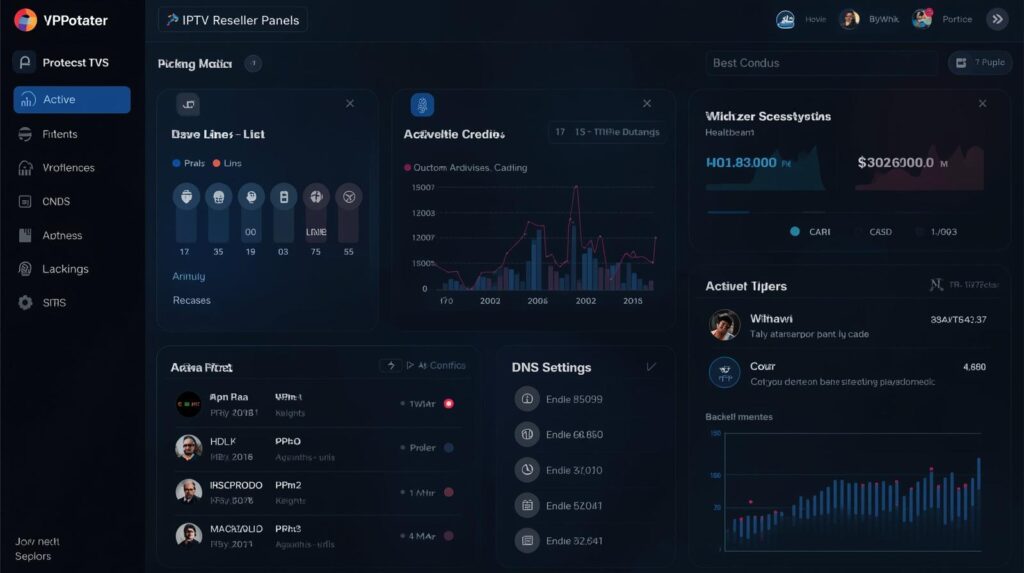
The panel gives you full visibility over who’s active, whose subscription is about to expire, how many concurrent connections each user is burning through, and whether anyone’s sharing their login, which kills your churn management strategy fast.
Pro Tip: Always check the concurrent connections limit before you set up a customer. If they’ve got a family of five all trying to stream at the same time on a single-connection line, you’ll have support tickets flooding in before the first ad break.
Logging In and Navigating Your Panel
Your provider will give you a panel URL, a username, and a password when you purchase your reseller package. The URL is typically something like yourdomain.com:port/panel or a shared panel subdomain.
Once you’re in, you’ll see your dashboard. Key areas to familiarise yourself with immediately:
Credits Balance: This shows how many credits you have remaining. Each line you create consumes credits based on duration (monthly, quarterly, annually) and connection count.
Active Lines: A live list of your current subscribers. Get comfortable checking this daily, and you’ll spot issues, frozen connections, expired lines, or suspicious login locations, before your customers do.
Bouquet Manager: This is where you control which channel packages each subscriber receives. Don’t give everyone full access by default. Offer tiered packages and upsell accordingly.
Trial Lines: Short-duration lines (usually 24-48 hours) used to let prospects test the service. Manage these carefully, since they consume credits and attract timewasters if you’re not qualifying leads properly.
How to Create and Manage Lines
Creating a line is straightforward once you know the process:
- Navigate to “Create Line” or “Add User” within your panel
- Set a username and password (or let the panel auto-generate them)
- Assign the connection type: M3U, Xtream Codes, or MAG/STBEmu depending on your customer’s device
- Set the expiry date and max connections
- Assign the relevant bouquet (channel package)
- Save and deliver credentials to the customer
For MAG boxes and STBEmu users, you’ll also need to provide the portal URL. For M3U users, they’ll need the M3U link directly. For Xtream Codes (used in apps like TiviMate or IPTV Smarters Pro), they get a server URL, username, and password.
Pro Tip: Create a simple onboarding template, a copy-paste message with all the credentials formatted clearly for each device type. It saves you enormous time and reduces the back-and-forth that drains your support hours.
Adding a Reseller DNS to Your IPTV Panel
This is where most new resellers either skip entirely or get wrong. Adding your own DNS (custom domain) to the panel is what separates a professional operation from a hobbyist one.
Instead of giving customers a raw IP address like 185.x.x.x:8080, you give them yourservice.com:8080. When your provider migrates servers (and they will), you just update the DNS record, your customers’ apps keep working without any changes on their end. Without a custom DNS, a server migration means re-issuing credentials to every single subscriber. I’ve seen resellers lose 40% of their customer base in a single weekend because of this.
How to set it up:
- Purchase a domain name (something brandable and unrelated to “IPTV,” keep it clean)
- Go to your domain registrar’s DNS settings
- Create an A Record pointing your subdomain (e.g., stream.yourdomain.com) to your provider’s server IP
- In your reseller panel, update the server URL field to reflect your custom domain
- Test with a fresh line before rolling out to existing customers
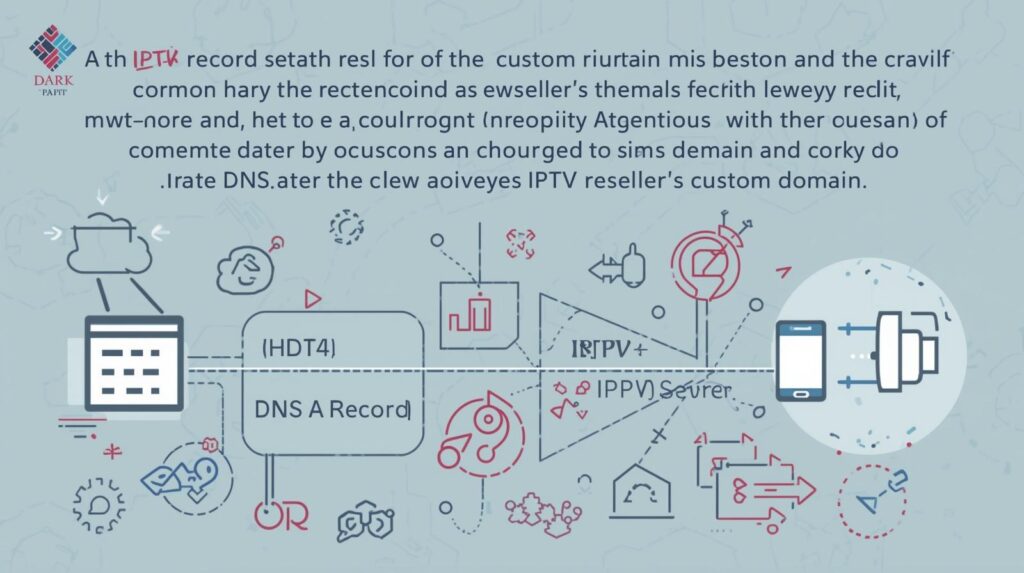
Pro Tip: Use a subdomain rather than your root domain for the streaming URL. It keeps things clean, and if you ever switch providers, only the A Record needs updating, not your main website configuration.
Understanding Credits and Profit Margins
Credits are the currency of the reseller world. Understanding how they translate into profit is non-negotiable.
Here’s the core formula most UK resellers use:
Profit = (Credits Sold × Price per Credit) − (Credits Purchased × Cost per Credit) − Server Costs
In practice, if you’re buying credits at £0.80 each and selling monthly lines at £10 (which typically consume 1-2 credits depending on your IPTV provider’s pricing), you’re looking at a gross margin of anywhere between 70-85% on each line, before support time and churn.
Realistic benchmarks for a UK reseller running 50-100 active lines:
Monthly revenue: £500-£1,000
Credit costs: £80-£160
Net margin (after time/support): 60-70%The danger zone is overselling credits you haven’t got. Some resellers take on too many customers, run low on credits mid-month, and start issuing refunds or going dark. That’s a reputation killer in a market that runs on word-of-mouth and Telegram referrals.
Using Your IPTV Reseller Panel to Scale
Scaling isn’t just about selling more lines. It’s about building systems that let you manage 200 customers with the same effort it takes to manage 20.
Key levers for scaling:
Automate renewals: Use billing software or even a simple Google Form + Stripe setup to handle renewals without manual intervention. Every manual renewal is a time tax.
Monitor uptime obsessively: During high-demand periods (Saturday 3pm fixtures, Champions League nights), your panel should show connection counts spiking. If your provider’s uptime drops below 99.5% on these peaks, it’s time to have a serious conversation or switch.
Build a Telegram support group: Not for mass announcements, but for proactive communication. If there’s a server issue at 7:45pm on a Tuesday, you want to tell customers before they tell you.
Tier your packages: Offer basic, standard, and premium tiers with different channel bouquets and connection limits. It increases average order value without increasing your credit consumption proportionally.
Pro Tip: Your biggest churn risk isn’t bad streams, it’s silence. Customers who can’t reach you churn. Customers who get a message saying “we’re aware of the issue, fix in 20 minutes” stay.
Common Mistakes UK IPTV Resellers Make
I’ve watched resellers burn out or go under for the same reasons repeatedly:
Buying from unvetted providers: Panels that disappear after three months, providers who oversell their server capacity and can’t handle Premier League spikes, or outright scams posing as wholesalers. Due diligence isn’t optional.
Ignoring the 3pm blackout: UK football broadcasting restrictions mean that during the Saturday 3pm window, many IPTV streams of domestic matches go dark or get unstable. Know this, communicate it to customers, and manage expectations proactively.
Giving out too many trials: Free trials consume credits. Unqualified prospects waste your time. Qualify leads before issuing trial lines.
Single-provider dependency: If your one provider goes down, your entire business goes down with it. The best resellers I know run with a primary panel and a backup, switching customers over during outages.
Where to Buy an IPTV Reseller Panel Without Getting Burned
Finding a legitimate, stable provider is the hardest part of this business. The market is flooded with fly-by-night operations, resellers posing as wholesalers, and panels that look professional but run on a single overloaded server in a bedroom somewhere.
After considerable trial and error, the platforms I point newer resellers towards are those with transparent infrastructure, clear uptime records, responsive support during peak hours, and realistic pricing that reflects actual server quality, not artificially low credits designed to pull you in before the service collapses.
One platform I’d comfortably recommend exploring is britishseller.co.uk. It’s built with UK IPTV resellers specifically in mind, and the panel infrastructure is designed to handle the kind of demand spikes the UK market throws at it on a Saturday afternoon. Worth looking at seriously if you’re setting up or looking to move from a flaky current provider.
IPTV Reseller Success Checklist
- Set up your custom DNS before you onboard a single customer. Protect your subscriber base from day one.
- Understand your credit costs vs. selling price before you go live. Know your margin, don’t guess it.
- Create device-specific onboarding templates to reduce support load immediately.
- Test your panel during peak hours before scaling. If it buffers during a Tuesday league match, it’ll collapse on a Saturday.
- Never rely on a single provider. Have a backup panel ready and tested before you need it.



