
Nobody talks about the moment everything almost fell apart. Not the buffering complaints, not the expired credits, not even the ISP blocks, it was the night the entire IPTV admin system locked out 200 active subscribers because of a single misconfigured DNS entry. That’s the kind of education no course teaches you. That’s the kind of lesson that separates operators who last from those who disappear inside six months.
This article isn’t structured like a textbook. It reads like a debrief, because that’s exactly what it is. If you run an IPTV admin system or plan to build a reseller operation around one, everything here comes from the trenches.
What Actually Happens Inside an IPTV Admin System
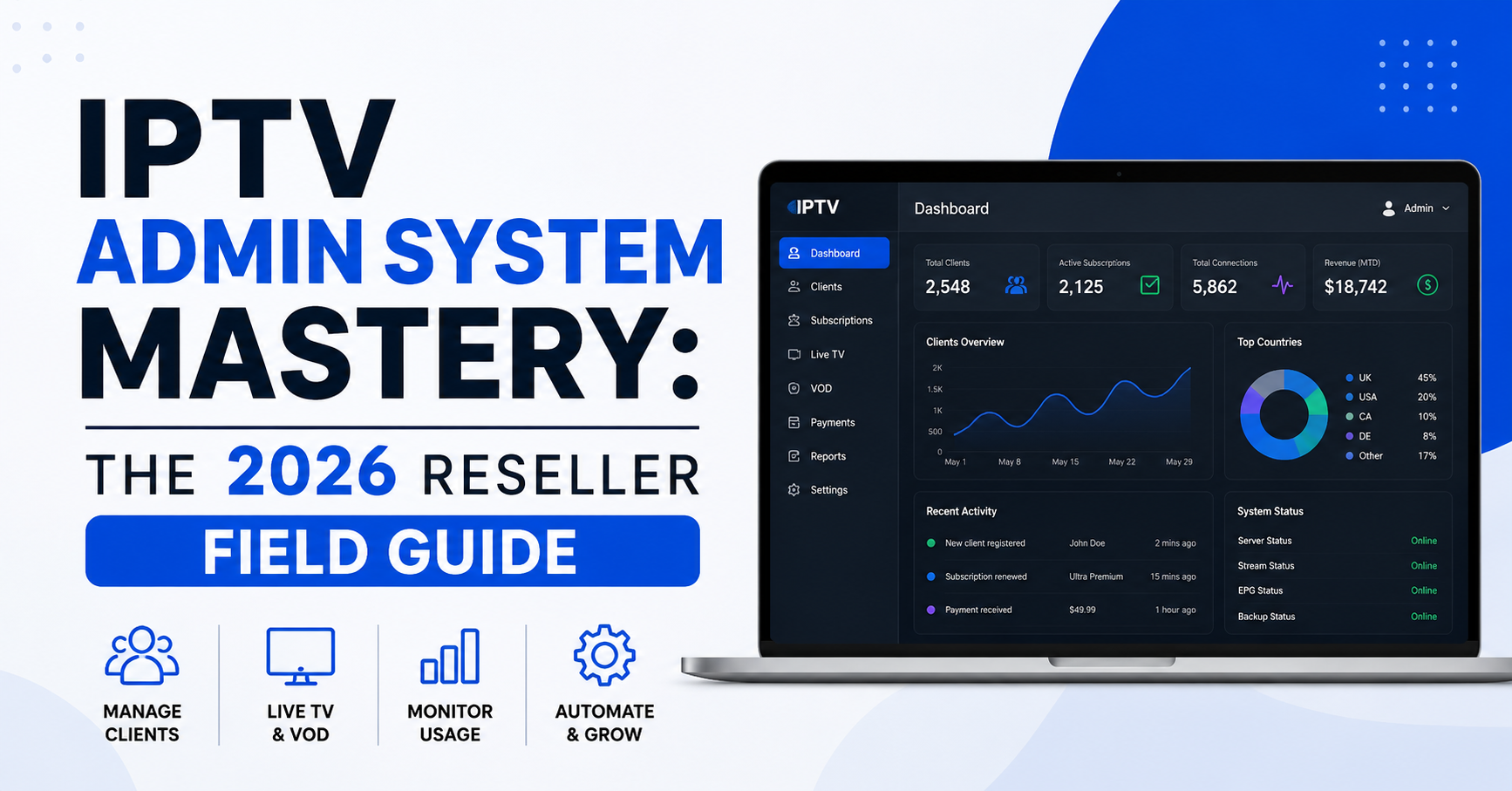
An IPTV admin system is your nerve centre. It handles line creation, credit distribution, subscription management, DNS configuration, stream routing, and customer lifecycle tracking, all from a single dashboard. Think of it less as software and more as the operating system for your entire IPTV reseller business.
Most newcomers see a login screen, a credit balance, and a button that says “Create Line.” That’s like looking at an aeroplane cockpit and only noticing the steering wheel. The depth underneath that interface determines whether you can handle 50 subscribers or 5,000.
Pro Tip: Before you activate a single line, spend two full days navigating every menu, toggle, and setting inside your IPTV admin system. Operators who skip this step are the ones filing support tickets at 2 AM during a major sporting event.
Your IPTV admin system controls:
- Line activation, suspension, and renewal workflows
- Multi-tier reseller hierarchies and credit cascading
- DNS and server assignment per connection
- Bouquet and channel package customisation
- Real-time connection monitoring and forced disconnects
The real power isn’t in any single feature, it’s in how these systems interact under pressure.
Credit Architecture: Where Most Resellers Bleed Money
Here’s a pattern that repeats across almost every new reseller: they load credits into their IPTV admin system, start selling, and within three weeks they can’t figure out why their margins have collapsed. The answer is almost always credit mismanagement.
Credits inside an IPTV admin system operate on a cascading model. Your provider allocates credits to you. You allocate credits to your sub-resellers. They create lines. Every layer takes a cut. If you haven’t mapped this chain with exact numbers, you’re flying blind.
| Credit management approach | Outcome |
|---|---|
| Bulk-loading without tracking per-reseller usage | Margin erosion, no accountability |
| Setting per-reseller credit caps with daily monitoring | Controlled spend, identifiable leaks |
| Automated low-credit alerts inside the IPTV admin system | Prevents service interruption, improves renewal rates |
| Manual spreadsheet tracking outside the panel | Errors compound, reconciliation becomes impossible |
The operators who survive long-term treat their credit ledger like a bank treats its balance sheet. Every credit in, every credit out, every margin calculated, inside the IPTV admin system, not on a separate spreadsheet.
DNS Configuration Nobody Warns You About
DNS is where the invisible failures happen. Your IPTV admin system connects subscribers to streams through DNS resolution. When an ISP decides to block a particular domain, every single subscriber routed through that domain goes dark simultaneously.
The fix isn’t reactive, it’s architectural. Inside your IPTV admin system, you should maintain at least three active DNS entries, rotating them on a scheduled basis. Some advanced panels support automatic DNS failover, which switches subscribers to backup entries the moment the primary goes unresponsive.
Pro Tip: Run a weekly DNS health check using external monitoring tools. Don’t rely on your IPTV admin system’s internal status alone, ISP-level blocks sometimes return false positives inside the panel, showing “connected” when subscribers are actually seeing a blank screen.
In 2026, AI-driven ISP detection has become significantly more aggressive. Pattern recognition algorithms now identify IPTV traffic based on packet behaviour, not just domain names. This means DNS poisoning alone isn’t enough to disrupt your service, but it’s the first layer ISPs deploy because it’s cheap and effective.
Your IPTV admin system should let you assign different DNS entries per geographic region. UK-based subscribers might need entirely different routing than European ones. If your panel doesn’t support regional DNS assignment, that’s a serious limitation you need to factor into your scaling plans.
Load Balancing: The Invisible Architecture Behind Smooth Streams
Buffering kills businesses faster than any competitor ever could. When a subscriber hits play and sees a spinning wheel, they don’t think “server overload,” they think “this service is rubbish.” And they leave.
Your IPTV admin system sits at the centre of load distribution. Every active connection draws from server resources, and without intelligent balancing, a single popular channel during a premium sporting event can choke your entire network.
Here’s what effective load management looks like at the panel level:
- Connection caps per server: your IPTV admin system should allow you to set maximum active connections per backend server
- Automatic overflow routing: when Server A reaches 80% capacity, new connections route to Server B without subscriber intervention
- Geographic server assignment: subscribers connect to the nearest server node, reducing HLS latency and improving stream stability
- Real-time load dashboards: the IPTV admin system should display active connections per server, not just a global total
Without these mechanisms in place, you’re essentially hoping your infrastructure holds up. Hope is not a scaling strategy.
Pro Tip: Set your overflow threshold at 75%, not 95%. The last 20% of server capacity is where stream quality degrades, you never want subscribers sitting in that zone.
Backup Uplink Servers and Why Single-Source Operators Get Burned
There’s a hard truth most IPTV admin system operators learn the painful way: your primary content source will go down. Not if, when. It could be a server migration on their end, a legal takedown, or a simple hardware failure. If your entire subscriber base depends on a single uplink, one outage turns into hundreds of angry messages overnight.
The IPTV admin system should support multiple uplink server entries with priority-based failover. Your primary source handles day-to-day traffic. The moment it drops, your backup source activates, ideally without any manual intervention from your side.
| Infrastructure type | Risk level | Recovery time |
|---|---|---|
| Single uplink, no backup | Critical, total service loss | Hours to days (manual reconfiguration) |
| Dual uplink with manual switchover | Moderate, downtime during switch | 15-45 minutes |
| Multi-uplink with automatic failover in IPTV admin system | Low, subscribers rarely notice | Under 60 seconds |
Operators who configure backup uplinks inside their IPTV admin system before they actually need them are the ones who keep their subscriber base intact during emergencies. The rest scramble, lose customers, and spend weeks trying to rebuild trust.
Subscriber Churn: Reading the Warning Signs From Your Panel Data
Your IPTV admin system holds more intelligence about customer behaviour than most operators realise. Every expired line, every non-renewed subscription, every support ticket pattern, it’s all data. And it tells a story.
Churn in the IPTV reseller space doesn’t happen suddenly. It follows a pattern:
- Subscriber experiences buffering during peak hours
- They contact support (or they don’t, silent churn is worse)
- They reduce usage over 7-10 days
- Their subscription expires and they never renew
If your IPTV admin system tracks last-connection timestamps, you can identify at-risk subscribers before they leave. A subscriber who hasn’t connected in five days but has two weeks left on their plan is waving a red flag.
Pro Tip: Export your connection logs from the IPTV admin system weekly. Look for subscribers whose daily viewing hours dropped by more than 50%. A quick message, “Everything working okay on your end?”, has a measurably higher save rate than any discount offer.
Churn psychology in this space is unique. Subscribers rarely leave over price. They leave over reliability. Every infrastructure decision you make inside your IPTV admin system directly impacts whether that subscriber renews or ghosts you.
Panel Security: Locking Down Your IPTV Admin System Against Intrusions
Most operators obsess over stream quality and ignore panel security until something goes wrong. And when it goes wrong with your IPTV admin system, it goes catastrophically wrong, stolen credits, mass line deletions, compromised subscriber data.
Basic security hygiene for your IPTV admin system includes:
- Enforce strong passwords for every UK IPTV reseller account (no “admin123”)
- Enable two-factor authentication if your panel supports it
- Restrict panel access by IP whitelist, only known IPs can log in
- Review login logs weekly for unfamiliar locations or devices
- Disable inactive sub-reseller accounts after 30 days of no activity
The threat landscape in 2026 has shifted. Automated bots now scan for exposed IPTV admin system login pages, attempting credential stuffing attacks using leaked password databases. If your panel login URL is the default one provided by your panel software, you’ve already made it easier for attackers.
| Security measure | Implementation difficulty | Impact |
|---|---|---|
| Custom login URL | Low | Eliminates automated scanning |
| IP whitelisting | Low | Blocks unauthorised geographic access |
| 2FA for all panel users | Medium | Stops credential stuffing cold |
| Regular credit audit trails | Medium | Detects internal theft early |
| Automated session timeouts | Low | Reduces exposure window |
Pro Tip: Change your IPTV admin system’s default login path within the first hour of setup. The default URLs are publicly known and actively targeted.
Scaling Past 500 Lines Without Your Panel Collapsing
There’s a threshold around 400-500 active lines where things start behaving differently inside an IPTV admin system. Response times slow. Credit calculations lag. The subscriber list takes noticeably longer to load. This isn’t a bug, it’s an architectural ceiling that most entry-level panels hit.
Scaling beyond this point requires a few deliberate moves. First, evaluate whether your IPTV admin system runs on shared hosting or a dedicated server. Shared environments buckle under panel load far before your streams do.
Second, database optimisation matters. Your panel stores every subscriber record, every transaction, every connection log. Without periodic database maintenance, clearing old logs, archiving expired lines, the system bloats and performance degrades.
Third, consider whether your panel provider offers clustered deployments. A clustered IPTV admin system distributes the management workload across multiple server instances, so no single node becomes a bottleneck during peak operations.
The operators who scale past 1,000 lines treat their IPTV admin system as infrastructure that needs its own maintenance schedule, not just a tool they log into when they need to create a line.
Frequently Asked Questions
How often should I update DNS entries in my IPTV admin system?
Rotate your DNS entries every 7-14 days as a baseline. If you notice subscriber reports of blank screens concentrated in a specific region, that’s a signal to rotate immediately. Your IPTV admin system should support multiple DNS entries so you can switch without downtime. Proactive rotation reduces the chance of ISP-level blocks impacting your entire subscriber base simultaneously.
Can I run multiple reseller tiers inside a single IPTV admin system?
Yes, most modern panels support multi-tier hierarchies. You can create master reseller accounts that distribute credits to sub-resellers beneath them. Each tier operates independently within the same IPTV admin system, with its own credit balance and line management permissions. The key is setting clear credit caps at each level to prevent margin erosion across the chain.
What causes credit discrepancies inside an IPTV admin system?
Credit mismatches usually stem from trial lines that auto-expire without returning credits, sub-resellers creating lines outside agreed pricing tiers, or timezone differences causing renewal overlaps. Run a credit reconciliation report from your panel at least twice per week. Most IPTV admin system dashboards offer transaction logs, use them to trace every credit movement.
Is it safe to use my IPTV admin system from a mobile device?
Functionality-wise, most panels are accessible via mobile browsers. However, performing sensitive operations, credit transfers, DNS changes, or bulk line management, from a mobile device on public Wi-Fi introduces unnecessary security risk. If you must manage your IPTV admin system remotely, use a VPN and avoid saving login credentials in mobile browsers.
How does AI-driven ISP blocking affect my IPTV admin system operations?
In 2026, ISPs increasingly use machine learning to identify IPTV traffic patterns rather than relying solely on DNS blocking. This means even after rotating DNS entries in your IPTV admin system, some subscribers may still experience disruptions. Counter this with encrypted stream delivery protocols and by distributing your subscriber base across multiple server nodes to avoid detectable traffic concentration.
What’s the difference between a cheap and a premium IPTV admin system?
Cheap panels typically offer basic line creation, a single DNS field, and minimal reporting. Premium systems include automated failover, multi-server load balancing, advanced credit analytics, API access for custom integrations, and granular permission controls per reseller tier. The cost difference is usually modest, but the operational gap during a crisis is enormous.
How do I reduce subscriber complaints through my IPTV admin system?
Start by enabling real-time connection monitoring. When you can see which subscribers are experiencing connection drops before they contact you, outreach becomes proactive rather than reactive. Pair this with automated renewal reminders and clear bouquet descriptions so subscribers know exactly what they’re paying for. Panels that support custom notification templates significantly reduce repetitive support queries.
Should I keep connection logs from my IPTV admin system?
Absolutely, but manage them strategically. Connection logs are essential for diagnosing service issues, tracking subscriber behaviour patterns, and resolving credit disputes with sub-resellers. However, storing months of unarchived logs will degrade panel performance. Export and archive logs older than 30 days outside the IPTV admin system, keeping only the current month active within the dashboard.
IPTV Admin System Success Checklist
- Spend 48 hours exploring every setting in your IPTV admin system before activating your first subscriber line
- Map your entire credit chain, provider to you, you to sub-resellers, with exact margins calculated per line duration
- Configure a minimum of three DNS entries and set a fortnightly rotation schedule inside your panel
- Set server overflow thresholds at 75% capacity, not 95%, to protect stream quality during peak events
- Add at least one backup uplink server with automatic failover enabled in your IPTV admin system
- Export connection logs weekly and flag subscribers whose viewing activity dropped by more than 50%
- Change your default panel login URL, enable IP whitelisting, and enforce two-factor authentication across all reseller accounts
- Schedule monthly database maintenance, archive expired lines and purge connection logs older than 30 days
- Audit your panel’s hosting environment quarterly, move from shared to dedicated once you pass 400 active lines
- Explore trusted IPTV reseller panel solutions at BritishSeller to benchmark your current setup against proven infrastructure



