Three winters ago I lost a whole Sunday evening to a free trial that looked perfect on paper. The channel list was enormous, the sign-up took two minutes, and the seller promised the moon. Then kick-off arrived, the picture froze every ninety seconds, and my group chat wanted to know if I’d broken the telly. Nothing was broken except my method.
Since then I’ve put well over a hundred trials through their paces, and I now treat every iptv demo panel as a small audition. The provider is trying to impress me, and my job is to catch the moments when the performance slips. I’ve also worked alongside an iptv reseller or two, so I know how the same system looks from the other side of the counter.
This guide covers how I test, what I look for, and which warning signs make me walk away. You don’t need technical training to follow it, only a quiet evening, a second device and a healthy streak of scepticism. I’ll also be honest about where trials fall short, because they do.
What an Iptv Demo Panel Really Is
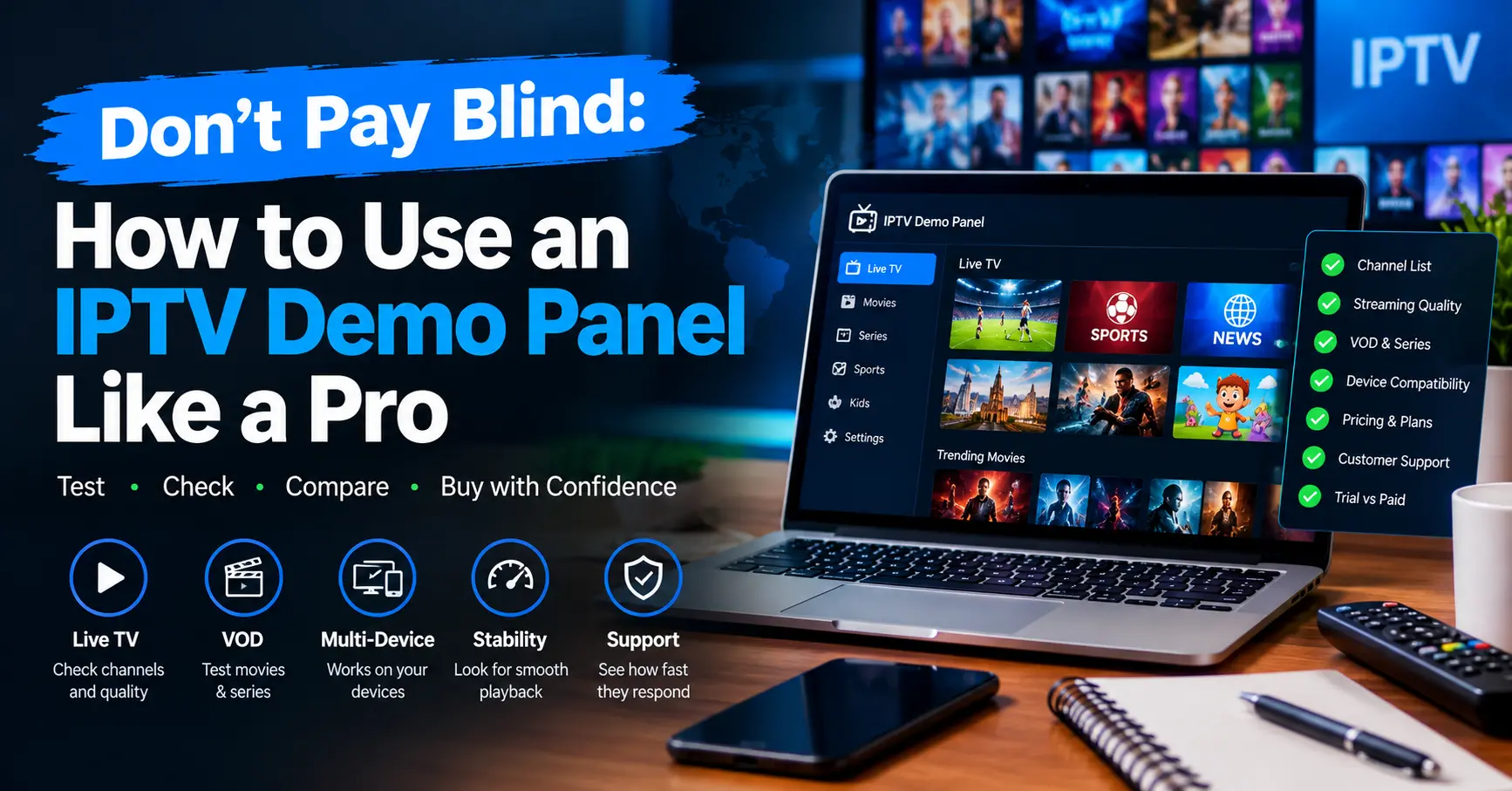
Strip away the jargon and an iptv demo panel is simply a restricted, temporary login to the same system paying customers use. It might be a trial account with limited hours, a sandbox dashboard, or a read-only view of a management interface. The format changes from one iptv provider to the next, which is exactly why comparing them matters.
Broadly speaking, you’ll meet two flavours. The first is a viewer trial, where you receive login details and test channels on your own device. The second is a reseller sandbox, where you get access to the back-end iptv panel used to create and manage customer accounts.
Viewer Trials Versus Reseller Sandboxes
| Feature | Viewer trial | Reseller sandbox |
|---|---|---|
| Who it’s for | Households and casual viewers | Aspiring business owners |
| What you see | Channels, apps, picture quality | Credits, user lists, management tools |
| Typical length | 24 to 72 hours | A few days or a handful of test credits |
| Main risk | Poor streaming at busy times | Hidden fees and weak support |
| Best question to ask | How many devices can connect at once? | How are credits priced and do they expire? |
Both formats deserve your time, but they answer different questions. A viewer trial tells you whether the service is pleasant to live with. A sandbox tells you whether building a small business on it would be sane.
Duration varies wildly. Some sellers offer a single evening, while others hand out three days or a few test credits. Longer isn’t automatically better, but a provider who refuses any trial at all has told you something useful.
Who Gets the Most From a Trial
Households come first, naturally. If you’re paying monthly for a premium iptv service, you deserve to see it perform on a Friday night and not only at ten on a Tuesday morning.
- Families want steady kids’ channels, a decent on-demand library and several screens working at once.
- Sports fans care about live events, low delay and a picture that holds up when everyone else is watching too.
- Expats need reliable home-country channels and an app that behaves on a phone, tablet or Fire Stick abroad.
Then there’s the aspiring business owner. Anyone considering life as an iptv reseller should treat the iptv demo panel as due diligence, because their reputation will ride on somebody else’s servers. Would you put your name to a product you’d never stress tested?
Casual viewers sit somewhere in the middle. They don’t need a dashboard, but they do need honesty about connection limits and device support. A good trial gives them both without a hard sell.
Seven Checks I Run Every Single Time
Here’s the routine I follow with any iptv demo panel, in the order I follow it. None of it needs special software beyond a speed test and the app you’d actually use at home.
- Test at peak time. Log in between 7pm and 10pm UK time, when networks are busiest. A service that only behaves at lunchtime isn’t really a service.
- Switch channels fifteen times. Note how long each one takes to load. Regular waits beyond four or five seconds are a warning.
- Judge the picture honestly. HD should look like HD on a big screen, not a smudge. Compare a live news channel against its free-to-air version.
- Watch live sport for twenty minutes. Look for buffering, audio sync problems and delay compared with a normal broadcast.
- Use two devices at once. If the plan promises multiple connections, prove it before you pay for them.
- Open the programme guide. It should load quickly and match what’s actually on air.
- Message support. Ask a simple question and time the reply. Trial week is when sellers are guaranteed to be on their best behaviour.
Notice that step seven isn’t about streams at all. Support is where plenty of providers quietly fail, and a slow answer during an iptv demo panel trial predicts a slower one after you’ve paid. I once waited nineteen hours for a reply about a simple login error, and I never bought.
Some people skip the checklist because it feels fussy. I’d argue the opposite, since ten minutes of structure saves months of regret. Which would you rather have, a tidy notebook or a year of buffering?
Panel Features That Separate Serious Resellers From Chancers
Sandbox access is where many sellers show their true colours. A tidy iptv panel will let you create a test user, assign a package, set an expiry date and view connection logs without confusion. A messy one hides basic settings behind support tickets.
Credits deserve special attention. Most reseller systems sell packages of credits, and each credit usually converts into a month of service for an end user. Ask what a credit costs, whether unused credits expire, and what happens when a customer wants a refund.
What to Look For Inside the Iptv Demo Panel Dashboard
Start with the user list. Can you search, sort and filter it quickly, or does every click feel like wading through treacle? Fast tools usually mean healthy infrastructure underneath.
Next, look at the branding options. A reseller needs to present their own name, app links and setup guides, so check whether the iptv demo panel allows that. If it doesn’t, you’ll be selling someone else’s brand, which is a very different business.
Finally, check activity logs and error reports. Good dashboards show when a customer last connected and how many devices are active. Sellers who hide that data rarely enjoy being asked about it.
Automation is the last feature I’d weigh. Auto-renewal reminders, bulk account creation and simple customer messaging save hours every week. They also reveal whether the people behind the panel have ever run a customer base themselves.
I’ll admit this part won’t suit everyone. If you only want to watch football, the back-end tools are irrelevant, and you can skip straight to the stream checks.
Reading the Numbers: Stream Quality in Plain English
Numbers can calm your nerves or ruin your evening, so it helps to know what they mean. Netflix’s help centre recommends about 5 Mbps for HD and 15 Mbps for Ultra HD, and those figures make a handy rule of thumb for any premium iptv service. Run Ookla’s Speedtest while the trial stream plays and compare the result.
| Picture quality | Rough speed needed | What it means in practice |
|---|---|---|
| Standard definition | About 3 Mbps | Fine for phones and small screens |
| Full HD | About 5 to 8 Mbps | Comfortable for most living rooms |
| 4K | About 15 to 25 Mbps | Needs strong wi-fi or a wired connection |
Remember that a fast connection at your end can’t rescue a weak server at theirs. If every other app on your network runs smoothly while the iptv demo panel buffers, the problem sits with the iptv provider. Wired ethernet is the cleanest way to confirm that, because wi-fi muddies the picture.
Ofcom’s home broadband research is worth a skim if you’re unsure what speeds UK households typically receive. It shows that advertised and real-world speeds can differ, especially during busy evening hours. That gap explains plenty of bad stream complaints that have nothing to do with the service itself.
Red Flags That Should Send You Packing
Sometimes the warning signs appear before you’ve even logged in. Here are the ones that make me abandon an iptv demo panel on the spot.
- A demand for card details before you can access a supposedly free trial.
- No named company, no address and no way to reach an actual human being.
- Prices far below every competitor, paired with promises of unlimited everything.
- A flat refusal to let you test the reseller side before buying credits.
- Pressure to pay today because a special deal “ends tonight”.
Trade-offs exist, of course, and I’d be fibbing if I said a perfect service exists. Even a respected premium iptv service will have the odd outage during a major final. What matters is how openly the team explains it afterwards.
A Short Word on Legality
Legality isn’t the glamorous part, but it’s the one that can bite hardest. In the UK, the Federation Against Copyright Theft has spent years working against sellers of unlicensed streams, and viewers aren’t always as safe as they imagine. Always ask where the content rights come from before you hand over any money.
Licensed services will happily explain their sourcing, while evasive answers should worry you. If you’re thinking of becoming an iptv reseller, that question protects your own business as much as your customers. A provider who dodges it isn’t one I’d build a business on.
I’m not a solicitor, so treat this as an editor’s caution and not legal advice. If in doubt, ask a professional who knows UK broadcasting and copyright rules.
How to Run Your Iptv Demo Panel Test Over 48 Hours
Day one is for first impressions. Set up the app, load the channel list, and spend an hour browsing the way you would at home. Write down anything that annoys you, however small.
Evening is the stress test. Run the live sports session, then open the iptv demo panel on a second device and check both connections hold. If either one drops, note the exact time.
Tomorrow, repeat the peak-time test at the same hour. Consistency matters more than one good night. A service that performs twice in a row has earned a little trust.
Afterwards, score the trial out of ten across picture quality, stability, channel switching speed, programme guide and support. I use a plain notebook, though a spreadsheet works just as well. Anything below seven doesn’t get my money.
Why bother with such a structured approach? Because gut feeling lies. A scorecard turns a vague mood into evidence you can compare across every iptv provider on your shortlist.
One small tip from experience: keep the same test routine for every provider. Comparing a Friday night trial against a Tuesday lunchtime one tells you nothing. Fairness is what makes the scores meaningful.
Your Move Before You Pay
Take your time with any trial. The seller wants a quick decision, and you want a sound one. Those two goals rarely line up.
Whether you’re a household chasing smoother weekends or someone weighing a first life as an iptv reseller, a careful look at a real panel is the cheapest insurance you’ll ever buy. Run the checks, keep your scorecard honest, and walk away from anything that dodges your questions.
Do that, and you’ll know exactly how to treat the next iptv demo panel that lands in your inbox. Go and put it through its paces, then come back and tell me what you found.
Frequently Asked Questions
What is an iptv demo panel and who is it for?
An iptv demo panel is a temporary, limited login that lets you test a service before paying. Households use it to check streaming quality, while aspiring resellers use it to inspect the management tools. It usually lasts between a day and a few days. Treat it as a fair test and not a sales pitch.
How long should I test an iptv demo panel before choosing a provider?
Aim for at least 48 hours, including one weekend evening if possible. Short trials hide problems that only appear when thousands of people are online. If a provider offers only a few minutes, ask for an extension. A reputable team will usually agree.
Does a free trial from an iptv provider guarantee a premium iptv service?
Not at all. Some trials run on dedicated servers that perform better than the live service. That’s why you should check whether performance stays consistent on the second and third day. It also helps to ask existing customers about their experience.
What should an iptv reseller look for in an iptv panel?
Look for clear credit pricing, fast user search, branding options and visible connection logs. Check that support answers technical questions quickly. Ask whether credits expire and how refunds are handled. Finally, confirm where the content rights come from.
Is it safe to share payment details to access a demo?
Generally, no. A genuine free trial shouldn’t need a card. If a seller insists, treat it as a warning sign. Use a payment method with buyer protection if you later subscribe, and keep records of every conversation.