
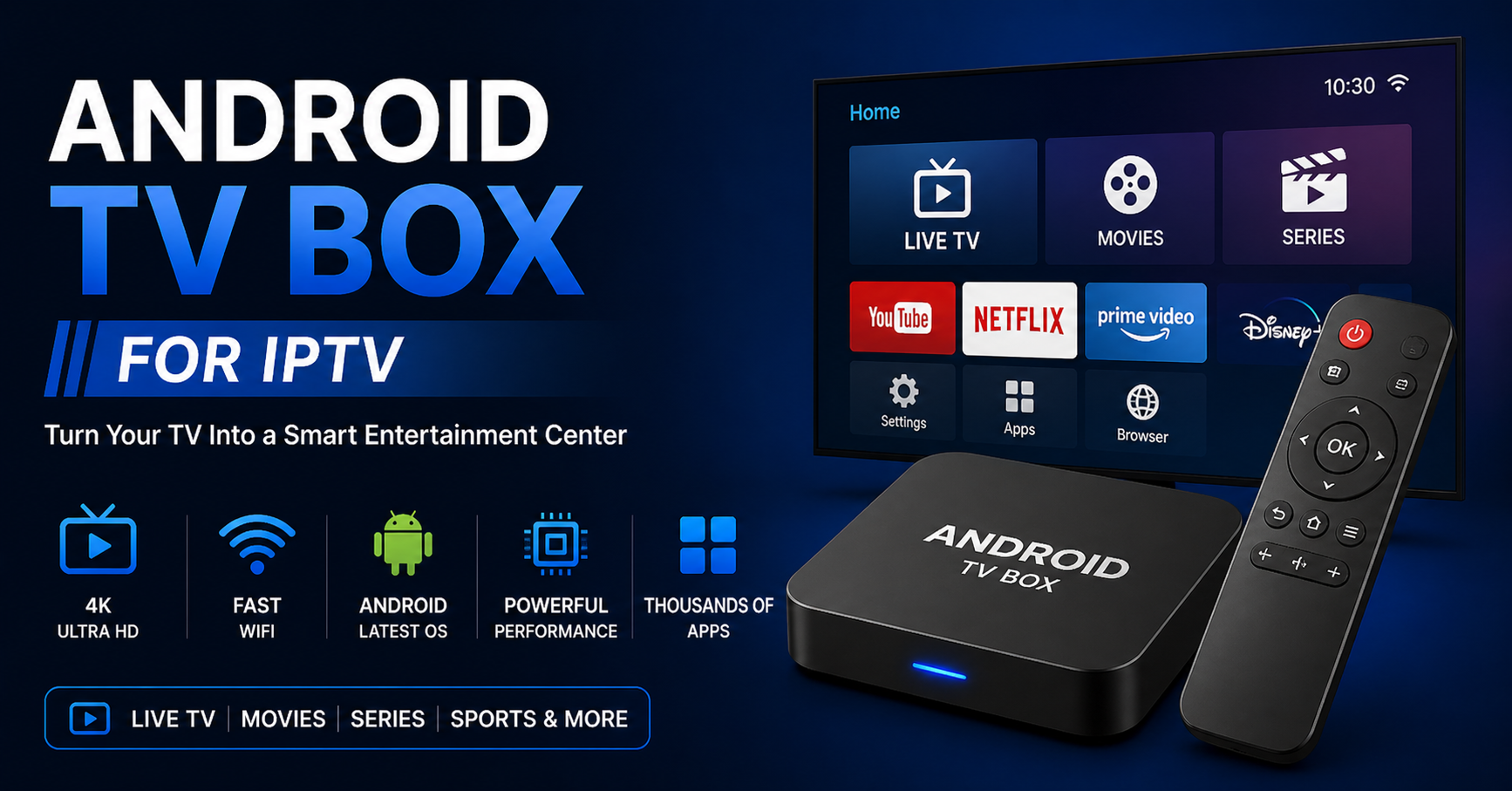
Here’s an uncomfortable truth most IPTV reseller Panel refuse to say out loud: a significant percentage of buffering complaints have nothing to do with your panel, your uplink, or your server load. They trace directly back to the hardware sitting under someone’s television, an underpowered, poorly provisioned Android TV box for IPTV that can’t handle adaptive bitrate switching, struggles with HLS latency spikes, and drops frames the moment anyone else in the household opens Netflix.
This guide is not going to tell you which brand to trust blindly. Branding in the Android TV box space is a shell game, the same internals get repackaged under forty different names and sold at wildly different margins. What matters is chipset architecture, RAM allocation, Android version, and whether the device can sustain a stable decode pipeline under real household conditions.
By the end of this article, you’ll know exactly how to evaluate, recommend, and where necessary, remotely troubleshoot the Android TV box for IPTV setups your subscribers are running, and how that feeds directly into your churn rate.
Chipset Reality: Why the Processor Is the Only Spec That Matters
Walk into any conversation about the Android TV box for IPTV and someone will immediately mention storage, RAM, or 4K support. All secondary. The chipset determines everything: decode capability, network stack stability, thermal throttling behaviour, and how gracefully the device handles stream interruptions.
The two chipset families dominating the legitimate performance tier in 2026:
Amlogic S905X4 / S912: strong HLS performance, handles H.265 decode in hardware, reliable across 4K IPTV streams at 30 to 60fps. Widely used in mid-range boxes that actually hold up.
RockChip RK3566 / RK3588: higher thermal ceiling, better suited for subscribers running multiple streams or side-loading heavier player applications.
What you want to avoid:
Allwinner H6 chips: poor network stack, notorious for UDP packet loss under sustained load
Any box marketed purely on 8K capability with no mention of codec support: almost always a spec-sheet lie
Pro Tip: When a subscriber reports consistent freezing at the 45 to 60 minute mark during live sport, the first diagnostic question isn’t about your server, it’s about whether their box is thermally throttling. Cheap Android TV boxes for IPTV have no active cooling and will clock down after sustained decode load.
Where Spec Sheets Mislead Operators on RAM and Storage
The Android TV box for IPTV market is flooded with 4GB RAM listings. Half of them are lying, or more precisely, using shared memory architectures where the GPU pulls from the same pool as the application layer. A device advertising 4GB but allocating 1.2GB to graphics rendering leaves your IPTV player operating in the same headroom as a 2GB device.
What actually works for reliable IPTV operation:
Here’s how the minimum viable and recommended specs compare:
| Specification | Minimum viable | Recommended |
|---|---|---|
| RAM (dedicated app pool) | 2GB | 3 to 4GB true allocation |
| Internal storage | 16GB | 32GB+ |
| Android version | Android 9 | Android 11 or 12 |
| Network interface | 100Mbps | Gigabit Ethernet |
| USB port | USB 2.0 | USB 3.0 (for local fallback) |
| Codec support | H.264 | H.264 + H.265 + AV1 |
Storage matters more than most operators realise. IPTV players cache EPG data, stream buffers, and player logs. On a 8GB device running Android 9 with limited I/O speed, EPG load times can exceed 90 seconds, and that alone drives subscriber complaints within the first week of service.
Network Stack Behaviour Under ISP Pressure
This is the section most hardware guides skip entirely, and it’s the one that keeps operators up at night in 2026.
AI-driven ISP throttling and traffic shaping have become significantly more sophisticated. Major ISPs are now running deep packet inspection capable of fingerprinting HLS stream requests and selectively degrading UDP-based transport streams. The Android TV box for IPTV your subscriber is using plays a direct role in how exposed your stream delivery is to this kind of interference.
Devices running stock Android TV (Google-certified builds) handle VPN integration more cleanly than custom Android builds. When a subscriber needs to route their stream through an encrypted tunnel to bypass DNS poisoning or traffic shaping, a box running a proper Android TV stack will maintain that tunnel without constant dropout. A budget box running a forked Android 7 build will fight every VPN handshake.
Pro Tip: Recommend subscribers use wired Ethernet rather than Wi-Fi wherever possible. A properly wired Android TV box for IPTV on a Gigabit home router reduces jitter-related buffering by roughly 60 to 70% compared to a 5GHz Wi-Fi connection in a multi-device household. Wi-Fi congestion is invisible to your panel and looks like server-side failure.
The Software Layer That No Box Review Ever Covers
Hardware means nothing if the player running on top of it can’t handle your panel’s stream format. The Android TV box for IPTV is only the delivery vehicle, the player determines decode pipeline behaviour, buffer management, and error recovery on stream interruptions.
The three player categories and what they mean for your reseller operation:
- Tier 1, full HLS + M3U8 support with adaptive bitrate: these players adjust stream quality dynamically based on available bandwidth. When a subscriber’s connection dips momentarily, the player steps down resolution rather than buffering. This is what separates professional IPTV delivery from consumer frustration.
- Tier 2, fixed-bitrate M3U players: fine for stable home connections. No resilience on variable bandwidth. These work until they don’t, and when they fail, subscribers call it a panel problem.
- Tier 3, web-based or browser players: avoid recommending these for live TV. Browser rendering adds 2 to 4 seconds of additional latency and cannot maintain synchronised EPG timing. For VOD playback they’re acceptable; for live sport they’re a churn generator.
Ensure whatever Android TV box for IPTV you’re recommending to subscribers can sideload APKs from unknown sources, certified Google TV devices sometimes restrict this, which limits your ability to deploy your preferred player app.
Why Resellers Must Control the Hardware Recommendation Layer
Most IPTV Panel resellers treat hardware as the subscriber’s problem. That’s a commercial mistake.
When a subscriber buys a random Android TV box for IPTV from a marketplace listing and it buffers, they don’t blame the box. They blame the service. You lose the renewal. You lose the referral. You absorb the support ticket cost.
Operators who control the hardware recommendation, either by bundling approved devices, linking to a vetted shortlist, or providing a clear hardware guide in onboarding, measurably reduce first-30-day churn. Subscribers who set up correctly on day one renew at significantly higher rates than those who spend three days troubleshooting a box that was never going to perform.
This is a business architecture decision, not a customer service one.
Pro Tip: Create a one-page hardware compatibility PDF for your subscribers. Include the chipset tier, recommended player, and basic network setup instructions. It costs you nothing to produce and removes an entire category of support escalation from your operation. Link it directly from your panel welcome message.
Android TV vs Android: The Certification Gap Your Competitors Ignore
There’s a meaningful technical and commercial difference between an Android TV box for IPTV running certified Android TV and one running standard Android with a launcher skin designed to look like it.
Certified Android TV devices:
- Receive security patches through Google’s update infrastructure
- Handle DRM content policies more consistently (relevant if your subscribers also use legitimate streaming services on the same box)
- Integrate more cleanly with voice search and remote input, reducing friction for less technical users
- Support Google Play’s TV-optimised app versions, which have different buffer and decode behaviour than phone APKs running in compatibility mode
The non-certified box running a TV launcher skin gives you none of that. It looks similar. It behaves differently under sustained IPTV load. And it receives no security updates, which in 2026, with AI-driven network monitoring becoming more aggressive, matters increasingly for VPN stability and connection reliability.
Taking Hardware Guidance From Household Scale to Panel Scale
If you’re managing 50+ active subscribers, hardware standardisation becomes an infrastructure decision. Consistent device environments mean:
Predictable player behaviour across your subscriber base
Support queries that follow known patterns (you can pre-build a troubleshooting FAQ specific to the devices you’ve approved)
Easier EPG and playlist testing, you test on one device tier and the results are reproducible
Sub-resellers operating under your panel face the same dynamic. If you’re onboarding resellers who then sell directly to end users, give them a hardware recommendation framework. It protects your panel’s reputation downstream.
The Android TV box for IPTV question at panel scale becomes: which device environments can I support efficiently? Narrowing to two or three approved chipset tiers cuts your support complexity dramatically. You can read more about panel architecture and credit management at how the IPTV reseller panel works.
Backup Streams and Hardware Failover: What Operators Rarely Configure
Your panel infrastructure likely has backup uplink servers. Does your subscriber’s hardware know how to use them?
An Android TV box for IPTV running a properly configured player can switch between primary and backup stream URLs automatically on connection failure. Most out-of-the-box setups don’t have this configured. The player hits the primary URL, gets a timeout, and either buffers indefinitely or throws an error, neither of which the subscriber knows how to resolve at 9pm during a live match.
Configuring dual-URL failover inside the player profile requires:
- Player must support M3U playlist with fallback URL syntax
- Both URLs must be live and tested (not just theoretically available)
- The subscriber’s box must have sufficient processing headroom to reinitialize the stream connection within 3 to 5 seconds
Backup uplink infrastructure at the server level means nothing if the client-side hardware can’t execute the failover sequence. The Android TV box for IPTV is the last mile of your entire delivery chain. Operators who understand this build better service. Operators who ignore it blame their upstream provider for problems that originate in a subscriber’s living room.
For a broader view of how these infrastructure layers connect, the IPTV services overview breaks down the full delivery architecture.
Frequently Asked Questions
What makes an Android TV box good for IPTV specifically?
The key factors are chipset performance (Amlogic S905X4 or RockChip RK3566 tier minimum), true RAM allocation above 2GB, Android 10 or higher, and Gigabit Ethernet support. A good Android TV box for IPTV also needs to support H.265 hardware decode and run a compatible player without sideloading restrictions. These specs directly determine whether your streams hold or buffer under real household conditions.
Can I use any Android TV box for IPTV, or do I need a specific model?
You can technically use any Android-based device, but performance varies enormously. Boxes built on weak chipsets like the Allwinner H6 will thermal throttle during long streams and struggle with 4K content. For consistent Android TV box for IPTV performance, stick to devices using Amlogic or RockChip chipsets with verified hardware H.265 decode and at least 2GB of dedicated application RAM.
Why does my IPTV buffer on an Android TV box but not on my phone?
Usually a combination of thermal throttling, lower-quality network stack, or an underpowered chipset on the box. Phones use premium SoCs designed for sustained media decode. Many budget Android TV boxes for IPTV use cheaper chips that can’t maintain consistent decode performance over a 2 to 3 hour live stream. Also check whether the box is on Wi-Fi, switching to wired Ethernet resolves a significant portion of these complaints.
Is it worth buying a certified Android TV device over a standard Android box?
Yes, particularly for long-term use. Certified Android TV devices receive security updates, handle VPN connections more reliably, which matters as ISP traffic shaping becomes more aggressive, and run TV-optimized app versions with better buffer management. For subscribers using an Android TV box for IPTV daily, the certified tier offers meaningfully better stability over a 12-month subscription period.
How should IPTV resellers handle hardware recommendations to subscribers?
Build a short approved hardware list covering two or three device tiers and include it in your onboarding material. Subscribers who set up on vetted hardware in week one churn at lower rates than those troubleshooting random box purchases. Controlling the hardware recommendation layer is a churn-reduction strategy, not a customer service add-on. Visit iptvservices.ltd to understand how panel management integrates with subscriber onboarding.
Can an Android TV box for IPTV handle multiple simultaneous streams?
Generally no, a single Android TV box for IPTV is designed for one active stream output. If you need multi-room delivery from a single panel credit, you’d use separate boxes per TV or a multi-output server device. Some operators use an Android box per room on a shared home account, which is common in household setups but needs to be provisioned within your panel’s connection limits.
What should resellers look for when evaluating new Android TV boxes for their subscribers?
Prioritise chipset documentation over marketing specs. Verify H.265 hardware decode, check for active cooling if the box will run streams exceeding 2 hours, confirm Android version is 10 or above, and test the network stack with both wired and wireless connections before recommending at scale. For reseller-specific guidance on scaling hardware environments, IPTV reseller panel operations covers the infrastructure decisions that matter.
Does the Android TV box affect EPG loading times?
Significantly. EPG data is cached locally and pulled through the player, boxes with slow internal storage, limited RAM, or poor I/O throughput can take 60 to 120 seconds to load a full EPG. On a 16GB box with Android 9 and minimal available storage, EPG failures become routine. An Android TV box for IPTV with 32GB internal storage, Android 11+, and a capable chipset will load EPG data in 10 to 15 seconds under the same network conditions.
Operator Success Checklist: Android TV Box for IPTV
Hardware Vetting
Confirm chipset tier before recommending any device (Amlogic S905X4 / RockChip RK3566 minimum)
Verify H.265 hardware decode is confirmed in device spec sheet, not assumed
Test thermal performance: run a 3-hour stream and monitor for quality drops after 45 minutes
Subscriber Onboarding
Create a one-page hardware compatibility guide for new subscribers
Include wired Ethernet setup instructions in all onboarding communications
Document two approved player configurations per device tier
Player Configuration
Set up dual-URL failover in player profiles for all primary subscribers
Test backup stream URL switching on approved hardware before subscriber deployment
Confirm EPG loads within 20 seconds on approved device tier
Panel-Level Integration
Align connection limits in your panel with household multi-box setups
Build a hardware-specific troubleshooting guide for your sub-resellers
Review IPTV services infrastructure options quarterly as ISP blocking tactics evolve
Risk Reduction
Flag subscribers still on Android 7/8 devices for hardware upgrade before contract renewal
Monitor support tickets for patterns that trace to specific device models rather than server issues
Cross-reference buffering complaints against device type before escalating to upstream support
For independent validation of hardware performance across UK household setups, britishseller.co.uk maintains updated compatibility references worth bookmarking.



